sudo: restart: command not found
I'm trying to follow "Linux OpenVPN GUI Setup Tutorial" from here to setup vpn on my Ubuntu 18.04 machine.
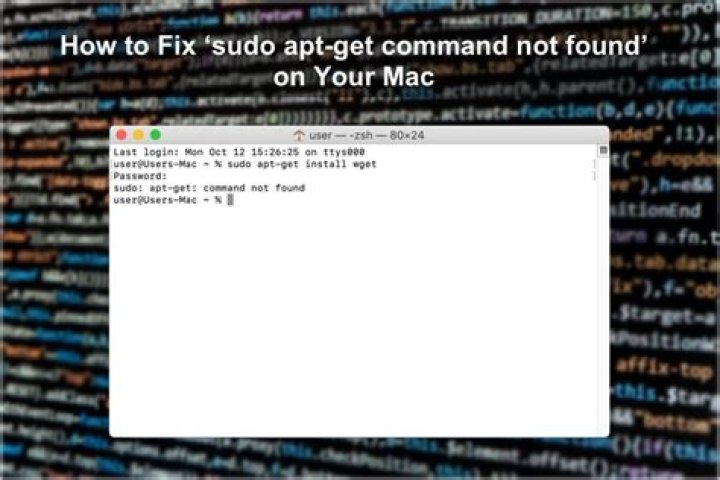
I've followed the steps still 3. But on step 4, when I type "sudo restart network-manager" I get an error "sudo: restart: command not found". My network-manager isn't running and I can't proceed further.
Where am I going wrong?
1 Answer
It's sudo systemctl restart network-manager or sudo service network-manager restart. You're just missing part of the command.


