Sony Noise-Cancelling Headphones are not recognized as audio output(WH-1000XM4)
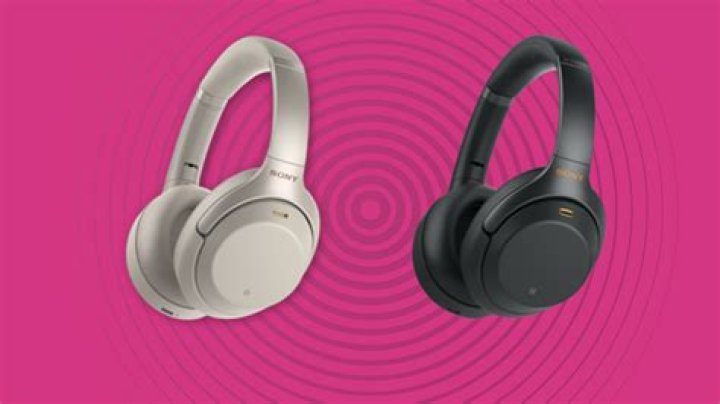
I'm trying to use Sony WH-1000XM4 with my Ubuntu 18.04.
I'm able to pair using a Bluetooth dongle and blueman, but the problem is that the headphones are not recognized as a sound device:
- In blueman - right click doesn't show "audio" options.
- In pulse audio - the headphones don't appear in the output devices.
I already tried:
mv ~/.config/pulse/ ~/.config/pulse.old
systemctl --user restart pulseaudio
as suggested at 20-04-sony-wh-1000xm4-does-not-output-to-headset
and the solution at Sony Noise-Cancelling Headphones (WH-1000XM2/3) and bluetooth initial autoconnect
so far, nothing works.
How can I find what's the problem and fix?
1 Answer
In order to correctly pair Ubuntu with the headphones, you need to put them in pairing mode. (not needed when pairing other devices)
Hold power button for 7 second (even after it says power off), until you hear pairing mode.
Then, Ubuntu's Bluetooth will recognize an audio device named WH-1000XM4 (not LE_WH-1000XM4), and it will work. more details here.
1

