Show Raw Data From PivotTable
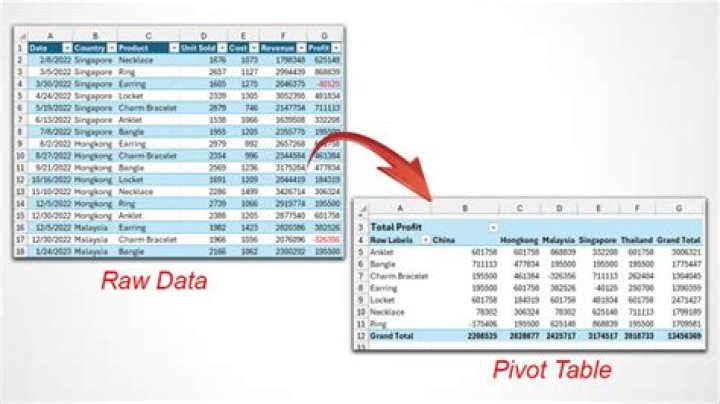
In Excel, I have a PivotTable. I'd like to see all of the cells that went into individual calculation. For instance, if I would like to see all the individual values that made up B@ (Mark/Profit) in the PivotTable below, and have them displayed as a column, how would I do that?
| | Profit | Loss |
|------|--------|------|
| Mark | 5 | 10 |
| John | 7 | 8 |
1 Answer
To see all cells that went into the calculation, double-click the cell that holds the value.
A new sheet will open that shows the rows that were used.
Check documentation
1

