Set F-Keys primary instead of special keys on Lenovo
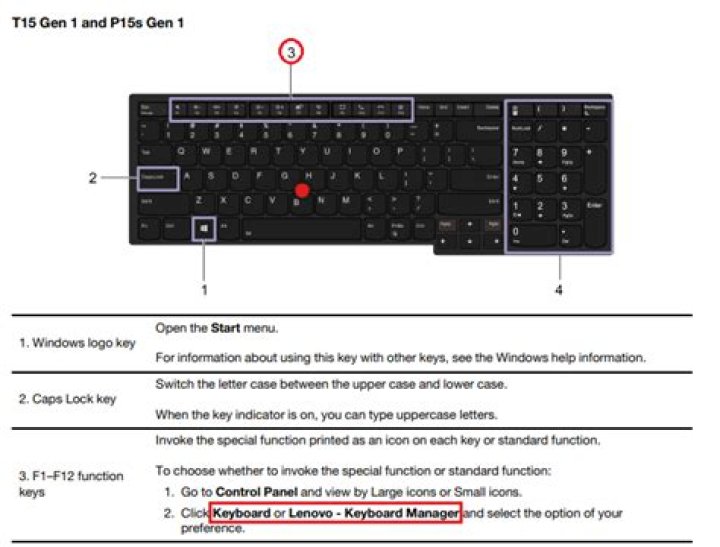
I have a new Lenovo E540 which has the special keys like volume change and such on the F-Keys here. So to actually use the F-Keys the FN has to be pressed to, so when using Alt+F4 I have to press Alt+Fn+F4 which is very inconvenient. In the BIOS it is possible to swap the FN and Ctrl Keys so the F-Keys are primary again but then the functionality of the Fn and Ctrl Key are really swapped! Is there probably a solution where the functionality of the FN and Ctrl key remain and the F-Keys are primary?
3 Answers
If you press FN + Esc it switches between the 2 modes. Visible with the led on the FN key.
It is easier to use F1, F2 etc; when you want to use the special functions you can just use the FN key plus the F keys.
6The answer saying to use Fn+Esc didn't work for me. I'm using a Lenovo G50.
What did work was to shut down, press the tiny button next to the power socket using the end of a pen, go to the BIOS settings, and change the hotkey setting.
Now I have to hold Fn to access the media functions, and if I don't I get regular function key behaviour.
in case you swapped CTRL with FN keys in BIOS, it is:
CTRL + ESC
LED on FN key will still indicate the status


