Service created with NSSM will not start when logon as 'Local System' account
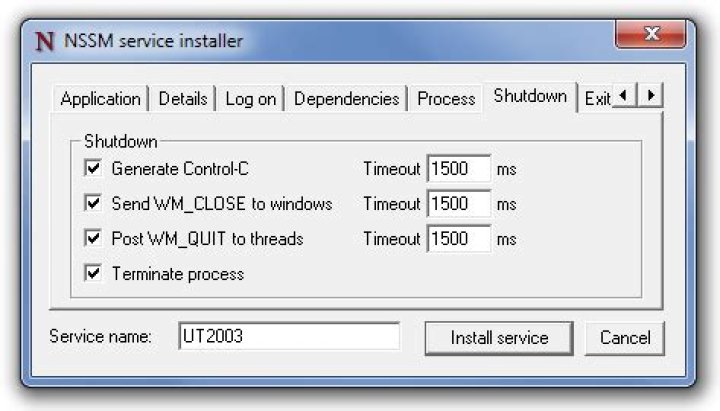
I'm trying to install the TOR component obfsproxy.exe as a service using NSSM but it only works if I modify the service to logon as my own user account.
NSSM creates services with the logon account set to 'Local System'. When I try start the service Windows says 'Could not start, the service did not return an error'. The eventlog doesn't give any hints other than
Program C:\Program Files (x86)\obfsproxy\obfsproxy.exe for service obfsproxy exited with return code -1073741515.If I change the logon user to my own user account (member of admin group) it works perfectly. What rights could my own account have that the 'Local System' account does not have. I dont want to force users to use their own accounts to start the service, I want to find out why it doesn't work and fix it so the default nssm installation works.
2 Answers
You should look at:
- Network. Does obfsproxy.exe use any remote/mapped drives? Those will be specific to your account.
- Registry. If obfsproxy.exe wrote settings to the user section of the registry when it was installed, those settings will not be available to the Local System account.
And be sure to check for a log file from obfsproxy.exe that documents a reason for its early exit...
3It appears obfsproxy.exe has some dependencies in the app directory of the tor bundle. Copying them seems to solve the issue.


