Running GUI apps under WSL
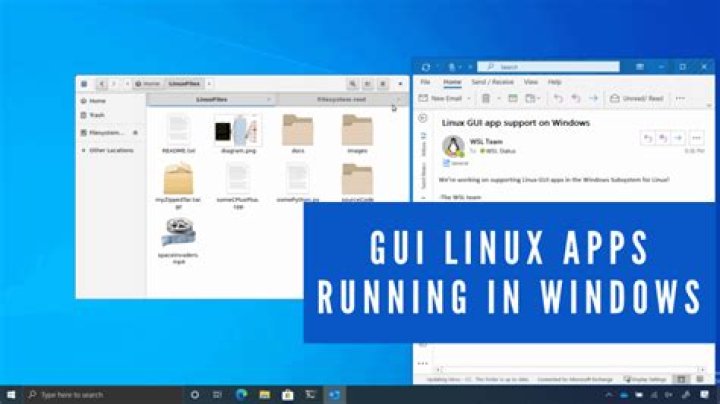
I can't run GUI apps under WSL. First, I tried running Synaptic, but it showed this message:
Unable to init server: Could not connect: Connection refused
Failed to initialize GTK.
Probably you're running Synaptic on Wayland with root permission.
Please restart your session without Wayland, or run Synaptic without root permission
I then tried to run gedit and got this:
Unable to init server: Could not connect: Connection refused
(gedit:36): Gtk-WARNING **: 12:46:33.434: cannot open display:
Some people suggested that I could use it through Remote Desktop Connection, but I want it to be integrated with the system.
11 Answer
Some people suggested that I could use it through Remote Desktop Connection, but I want it to be integrated with the system.
While there are multiple options for running GUI apps under WSL, the only one that is "integrated with the system" requires Windows 11 with WSLg. While you don't mention which Windows version you are using, it would appear from the second error that you are probably running Windows 10.
Windows 11 includes a new feature called WSLg that provides a Wayland/Weston/Xwayland distribution to enable running GUI apps directly on the Windows desktop. Ironically, however, it does use the Remote Desktop Protocol (with extensions) behind the scenes to do this.
If you are unable to upgrade to Windows 11 at this time, the two general workarounds that aren't directly integrated into WSL (although you've said that's not your preference) are:
xrdpas I mention in this answer- A third-party XServer as in this answer


