Run an application in batch script as admin with a user that doesn't have admin rights (Win10 20H2)
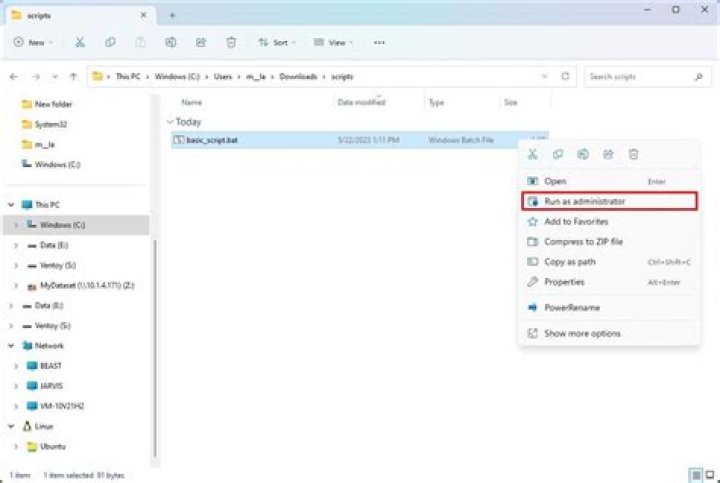
I need to run some applications through a batch script with admin rights on a non-admin user in Windows 10 20H2. I know that there are a few ways to bypass the UAC prompts, but the main problem is that my user doesn't have admin rights. The group policies set don't allow the user to elevate (the UAC prompt doesn't even appear).
Is there some kind of workaround I can implement in a script (batch, powershell, whatever) that would allow me to run the apps as one of the admin users whilst still being a regular user? It is important that I do not modify any policies or make any permanent changes. Temporary changes, like some kind of cheese to temporarily elevate, are permissible.
Edit: Useful information - I do have access to an admin account. Any ideas would be greatly appreciated.
Thanks.
31 Answer
The answer is going to be simple: In order to get admin rights, you need admin rights in the first place. You can't hack around it unless you can use a non-patched security exploit.
That said, in many occasions, admin rights are not really necessary. Sometimes a program requests admin rights just because it wants to write a file in a location the user does not have access to. If you install the program to a folder you have full access too, it would usually not require admin rights unless it also saves to another location such as C:\ProgramData, etc. Another thing it may do is write to the HKey_Local Machine key, which also requires administrative rights.
By default, C:\Program Files and its (x86) counterpart require administrative access to write something, but %appdata% and %localappdata% do not. If your script does something to a program already installed in these locations, you can set write permissions to this folder and it usually solves the admin problem.
If you know the exact location this program writes to, you can ask someone with admin rights to give your user read and write rights to just that folder or regkey, and the program should no longer need admin privileges to run.
But if you have no control over a folder and your ICT department does not want to help you, then you are out of luck.


