Replace any number of spaces using regular expressions
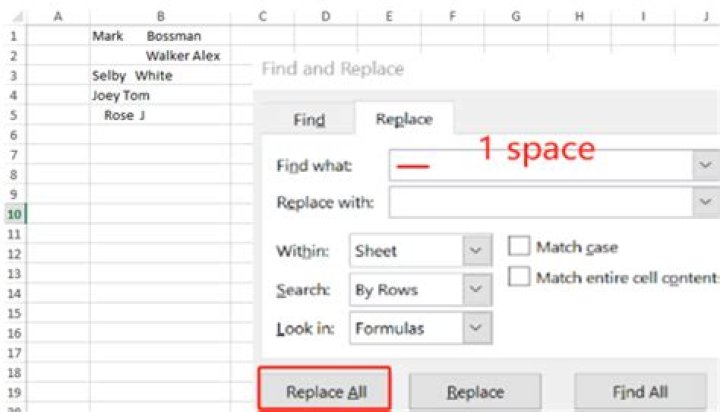
How can I replace any number of consecutive spaces, with, for example, a tab in a text editor supporting regular expressions (like Notepad++)
To clarify: Replacing every occurrence of one or more spaces, with (for example) a tab. All spaces will be gone after substitution.
82 Answers
How do I replace any number of spaces using regular expressions
Notepad++ Solution
To match one or more space characters:
- Set "Find what" to
+(space followed by +)
To match one of more whitespace characters (space, EOL, and tab all count as whitespace):
Set "Find what" to
\s+Warning: Using
\s+will match end of line and therefore join multiple lines together (separated by the "replace with" string)
To replace with a tab character:
- Set "Replace with" to
\t
To enable regular expression (so the above special codes will work)
- Select "Regular expression".
Source How to use regular expressions in Notepad++ (tutorial)
0Taken from here:
Use as "find" expression:
{1,}namely a space followed by {1,}.
To replace with tab, enter ^t in the replace box. Don't forget to activate regular expressions.
This link covers the syntax of the given regex. Below is an extract of a relevant part.
{n,} Matches when the preceding character occurs at least n times, for example, ba{2,}b will find 'baab', 'baaab' or 'baaaab' but NOT 'bab'. Values are enclosed in braces (curly brackets).
For the records, it has been tested on notepad++ (See here, courtesy of barlop). You can also put a \t in the replace box.


