Recently updated to Windows 10; Stereo Mix not recording audio
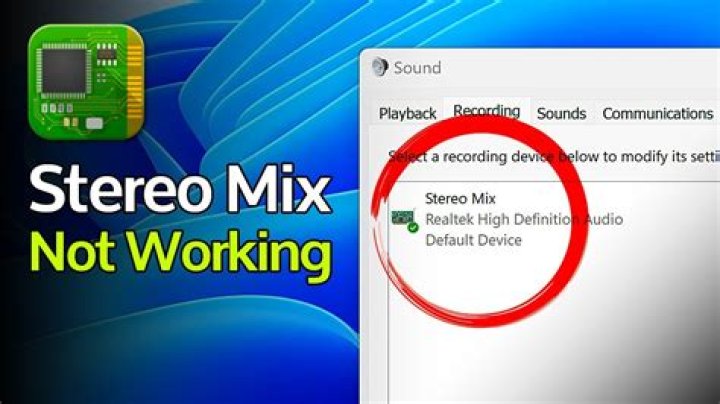
When my computer was using Windows 7, I used Stereo Mix a ton for recording sound. However when I updated to Windows 10, it doesn't work anymore. I updated drivers, and from there enabled Stereo Mix again. The issue I'm encountering is that for some reason after the update, Stereo Mix doesn't want to record any sound regardless of anything I've tried. I've tried switching sound devices, making it my default microphone, my drivers are fully updated, I've attempted disabling 'Listen to this Device', etc. Nothing works in multiple programs.
21 Answer
This should work if you have done the following:
- In Control Panel > Sound > Recording, right click Stereo Mix and select Enable
- You may also need to right click Stereo Mix again and select Set as Default Device
Stereo Mix should now appear as an option in any recording program such as Audacity:
There are many more factors that can still disable Stereo Mix. Some of them are:
- In Control Panel > Sound > Playback, right click speakers, select Properties, and if you have a Level tab, then unmute sound and microphone adjust adjust the sound level to the highest
- The driver of the sound card may not be the latest version
- Computer sound must go through the sound card. Using HDMI to output video and audio will bypass the sound card. Sometimes the only way to force it, is to connect any kind of speaker.
- The microphone may need to be disabled
- Volume level of the sound card should be set to 100%
- The default playback device may need to be set to Digital Output
- A headset plugged-in might disable Stereo Mix
- If the sound card has the property of Acoustic Echo Cancellation, it should be set to Off
- Some unlisted fixes may be found in the articleFix: Stereo Mix not Working.


