Random "Alignment grids" on my monitor
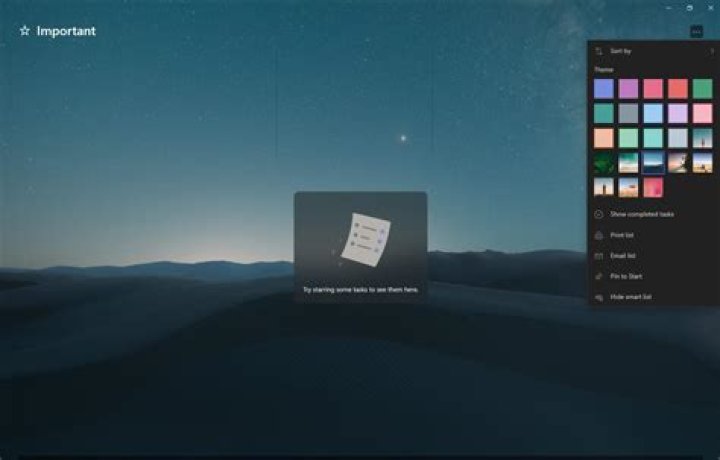
I bought a new BenQ GW2480 monitor. When I quickly change images I get these random lines that look like "alignment grids"(in quotes because I don't know how to refer to them -- see image). For example, the Microsoft To Do app has these inbuilt wallpapers. When I quickly change between them (or change between different lists, which changes the wallpaper), I get these random lines that look like a grid.
Note that this problem is different from this, this or this in that this is completely random and goes away automatically if I change the screen. Further, they don't always appear on the same area. This one is just two lines -- sometimes I get a square or a grid at the bottom or top part alone (see second picture below). The other ones linked seem to be a permanent issue that is fixed when a particular monitor setting is changed. Also, in my case, the gridlines move when I move the window.
What's happening and how do I fix it? Some more info: I have an Acer Swift 3 laptop, Core-i5 8250U, Intel UHD 620 graphics and the monitor is a BenQ GW2480. (Laptop & Monitor)
5 Reset to default

