Python doesn't dump core files
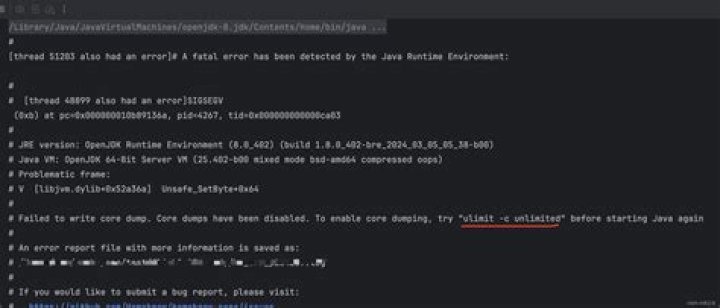
I have a problem where a Python process is hitting a segmentation fault but not producing a core file.
The following is a toy example that does not produce a core file on the following distros:
- Ubuntu 12.10
- Fedora 18
but does produce core files on the following distros:
- Scientific Linux 6
- Mac OS X
The reproduction:
$ python -c 'import time; time.sleep(120)'&
$ kill -abrt $! [1]+
Aborted python -c 'import time; time.sleep(120)'
$ ls core* ls: cannot access core*: No such file or directory
However, if I send a similar signal to a sleep instance I do get a core file:
$ sleep 120 &
$ kill -abrt $!
[1]+ Aborted (core dumped) sleep 120
$ ls core*
core.8603
On my Fedora 18 box, here is my /proc/sys/kernel/core_pattern:
$ cat /proc/sys/kernel/core_pattern
core
And I've set the following:
$ ulimit -c
unlimited
This is reproducible regardless of whether the abrtd service is running or not.
I'm pretty sure I've missed some basic configuration, but I don't know what. Thanks!
EDIT: This may be solvable by running:
$ echo 1 >/proc/sys/fs/suid_dumpable1 Answer
tl;dr
$ echo 1 >/proc/sys/fs/suid_dumpable(or the equivalent in /etc/sysctl.conf to persist the change across reboots)
longer
In my scenario I was using setcap to set certain capabilities on my Python process, to e.g. allow the use of raw sockets without having to be root. With this enabled you need to be root to get a core dump, or use the above command to explicitly tell the kernel it's OK for non-root users to get core dumps that they themselves can access.
(setting 2 would still enable core dumps in this situation but the said core dumps would only be accessible by the root user).


