pulse audio volume control
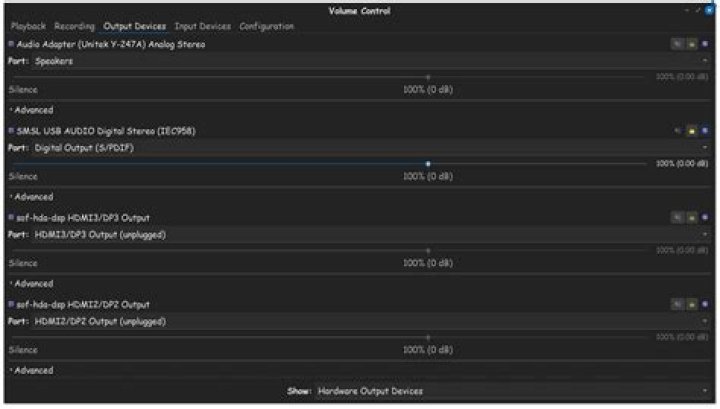
having some trouble with pulse audio volume control.
When run it, I get the error message you can see in the window in the screen shot below.
However when I run start-pulseaudio-x11 in the terminal, you can see the output is "unknown job".
Does anybody know what I could do to get pulse audio volume control working again? Thanks!
1 Answer
I recently had the same problem. After some investigating, this worked for me.
First, go to the Terminal.
Type sudo apt-get remove --purge alsa-base pulseaudio then press Enter.
Next, type sudo apt-get install alsa-base pulseaudioand finally, type sudo alsa force-reload
I hope this helps.


