Problems with setting up my minecraft server via external IP
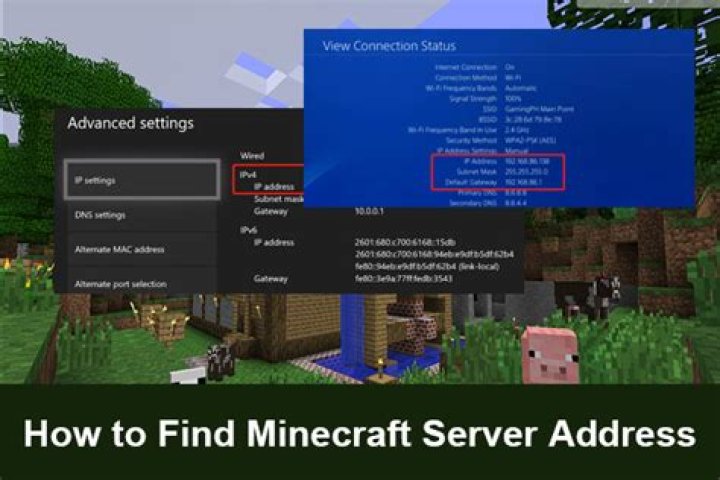
I tried various of things already, I wanted to make my server using my internet, but I couldn't get my friend to join it. I gave him my external IP and with or without putting port at the end worked. In theory the ports are forwarded, I tried multiple combinations and nothing worked.
This is my server.properties config:
#Minecraft server properties
#Fri Jul 16 16:02:05 CEST 2021
spawn-protection=10
max-tick-time=60000
query.port=25565
generator-settings=
sync-chunk-writes=true
force-gamemode=false
allow-nether=true
enforce-whitelist=false
gamemode=survival
broadcast-console-to-ops=true
enable-query=false
player-idle-timeout=0
text-filtering-config=
difficulty=normal
spawn-monsters=true
broadcast-rcon-to-ops=true
op-permission-level=4
pvp=true
entity-broadcast-range-percentage=100
snooper-enabled=true
level-type=default
hardcore=false
enable-status=true
enable-command-block=true
max-players=10
network-compression-threshold=256
resource-pack-sha1=
max-world-size=29999984
function-permission-level=2
rcon.port=25575
server-port=25565
server-ip=
spawn-npcs=true
allow-flight=false
level-name=world
view-distance=10
resource-pack=
spawn-animals=true
white-list=false
rcon.password=
generate-structures=true
max-build-height=256
online-mode=false
level-seed=
use-native-transport=true
prevent-proxy-connections=false
enable-jmx-monitoring=false
enable-rcon=false
rate-limit=0
motd=I'm just a meeeeemmmeeeeer and I meemmmeeee my life.....awaayyyy....awaaay
If there is something more you'll need from me, ask in the comment, but i will be skeptical about showing my IP, because I don't want DoS threats out of curiosity.
82 Answers
There are multiple thing to know and to check according your internet config. I give you a short checklist:
- Check on your local PC, that you server is running on the port you expect (Simpli try to connect on the same PC with "localhost" as target)
- Check if you have running any Firewalls on your local PC, that could block your port
- you can try to connect from another PC in your local network to at least test if the port is open localy)
- Add port-forwarding in your router to your local pc
- Make your the IP you give to your friend is the real Internet-IP (you could use )
- I recommend using IPv4, because IPv6 is very complicated to use for custom servers)
If thats all done, check if yout Port is reachable from "outside" you can use
e.g. if your public ip is 1.2.3.4 open
The response should something like this
{ "online": true, "ip": "1.2.3.4", "port": 25565, // and more stuff
}
When your server is online (Important for you is online: true)
Try disabling firewall and see if your friend can join. Minecraft is safe to run when there's no firewall, in case you're wondering. If that doesn't work he can disable firewall and try to join.
1

