Problem with Wireshark on Wifi
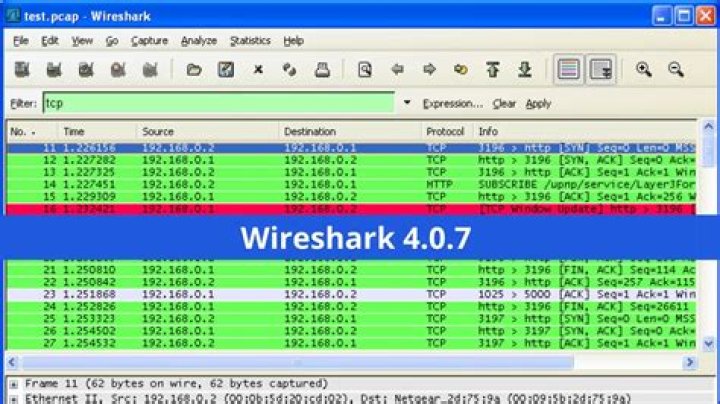
I am using wireshark over wifi from my network card Atheros AR9825 network card but it but it is showing the following error. What is the issue?
""The capture session could not be initiated (failed to set hardware filter to promiscuous mode)""
3 Answers
On most WIFi cards you need special drivers that promiscuous mode can be enabled.
1Make sure you run Wireshark with administrative privileges by holding CTRL + SHIFT when you run it, or right-clicking it and pressing "Run as Administrator".
Promiscuous mode is used to make the wireless card listen to everything that it can understand, not just information that is addressed to it.
The capture session could not be initiated (failed to set hardware filter to promiscuous mode)
That sounds as if you're running on Windows. Microsoft explicitly say that "Native Wi-Fi" 802.11 dissectors should not support promiscuous mode.
If this is on Windows, try capturing with promiscuous mode not checked. That will only see Wi-Fi traffic to and from your machine, but that's all you can do with Wireshark on Windows unless you get an AirPcap adapter.


