Powershell crashing between "Running" and "Failed" states
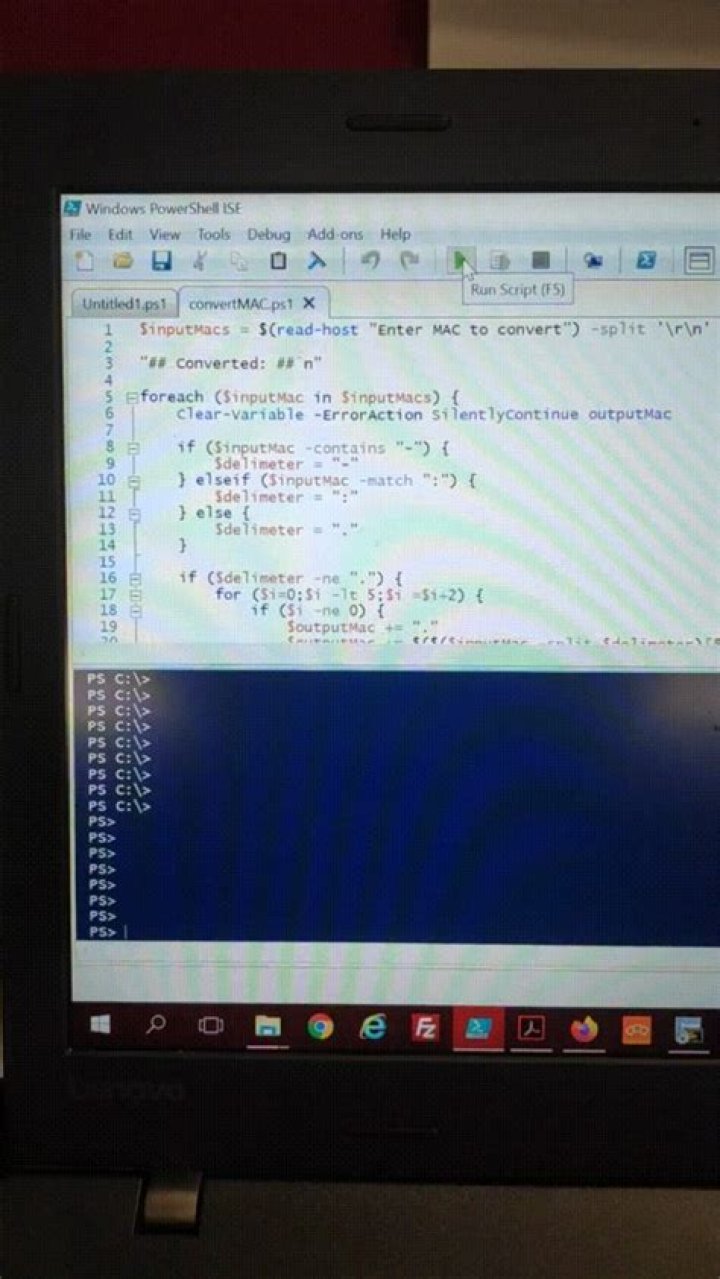
Just wondering if any of you ever encountered this issue as it is driving me nuts.
After I bring up Powershell ISE on my work laptop and press ENTER a couple of times OR run the debugger a couple of times, the commandline changes from PS C:> to PS>, and on my next run of the debugger, the status below keeps alternating between "Failed" and "Running Script" like a maniac.
I have tried launching it as administrator without success. Has anybody ever come across this issue?
31 Answer
The solution to this was as inane as removing Powershell from the optional features menu in Windows, rebooting the pc and re-enabling it afterwards. Stupid, but it worked.
EDIT: The correct solution in fact was to use Powershell (x86), rather than the 64-bit version, despite running 64-bit Windows 10.


