Power button does not wake when connected to docking station
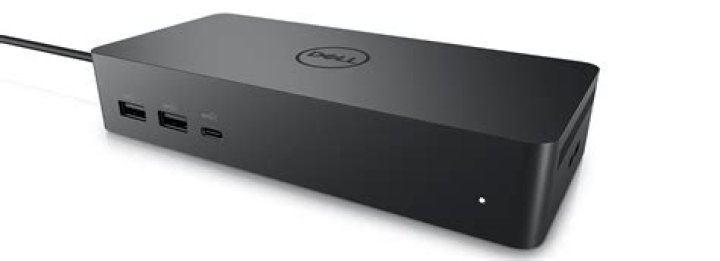
(Just documenting for others with the same problem:) For some time my laptop (Lenovo Thinkpad T480) did exhibit this strange problem when trying to resume from Sleep/Hibernate:
- When the laptop was connected to a USB-C dock (on AC) the laptop would not wake when pressing the power button. Rather the power button would just blink rapidly three times (which the Lenovo docs say is just indicative of a AC adapter being connected).
- When the laptop was disconnected (on battery) then the power button would wake as usual.
Things I tried unsuccessfully to resolve:
- Look for any BIOS boot/start option referring to power button or boot/wake functions.
- Check in the device manager that devices such as the keyboard were marked as "Allow this device to wake up the computer"
1 Answer
To get the power button to work with the docking station I needed to disable "USB selective suspend settings" (Windows > Edit Power Plan > Changed Advanced Power Settings > USB Settings > Plugged in > Disable).


