Permissions on WSL
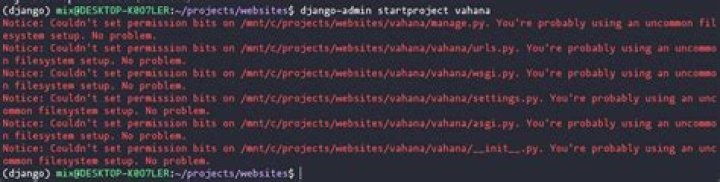
Hello everyone I have a confussion here I'm using WSL (Windows Subsystem Linux) when I try to use a command like cat throws me the next:
luismiguells@Lenovo:~/Code$ cat main.c
cat: main.c: Permission denied
It's deny me the access but when I use sudo it's show me the content of the file, my question is, there's a way I can do this without using sudo everytime, by the way I've tried adding my user with sudo visudo but nothing happends.
1 Answer
To fix you can use a find find all files with permission 0 and set it to rw-r--r--
find -perm 0 -type f -exec chmod 644 {} \;
find all directories with permission 0 and set it to rwxr-xr-x
find -perm 0 -type d -exec chmod 755 {} \;


