pc wont boot with sd card reader plugged in
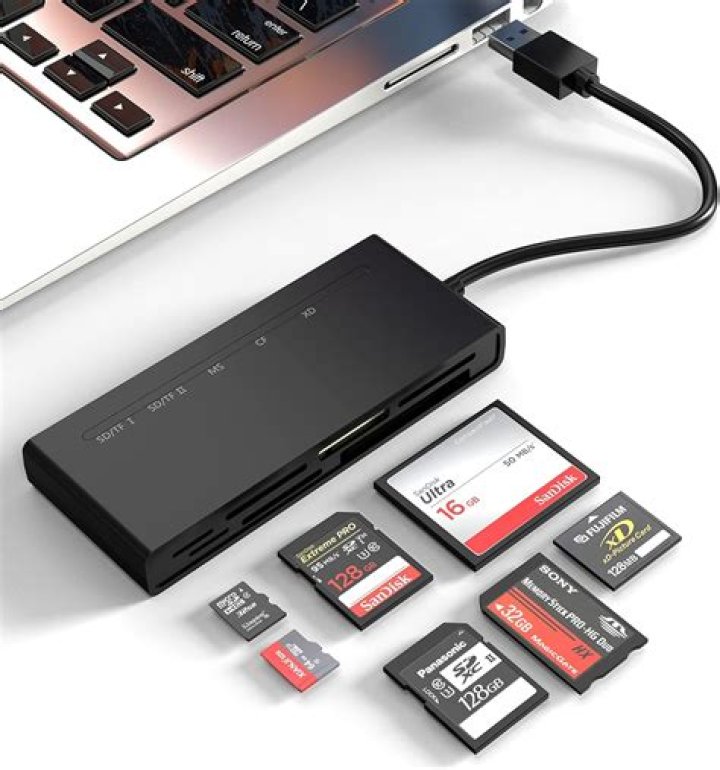
when i installed 12.04 on new hdd i didnt have the card reader plugged in before partitioning, now that my gateway zx4000 is all set up i realized the card reader hadnt been plugged in so now when i try to plug it in while my pc is on the system will power off and when i reboot it gives me some kind of error message and wont reboot until i unplug the card reader, any help is appreciated. (card reader is where you insert video/photo sd card correct?)
11 Answer
It would help a lot if you could tell the exact error message you received. This issue could have multiple causes:
- the BIOS might be set to boot from USB before trying the hard disk, so check the BIOS settings
your /etc/fstab might list the partitions to be mounted with /dev/sdx syntax - unfortunately, those are not fixed, what is /dev/sda on one boot might be /dev/sdb on the next. Therefore Ubuntu usually uses block ids instead of absolute device paths, with "UUID=..." syntax. If your fstab has absolute paths, you could replace them with the block ids. To find out which block id belongs to e.g. sda1 type:
user@host:~$ blkid -s UUID /dev/sda1
/dev/sda1: UUID="0123456789ABCDEF"
and then replace /dev/sda1 in your fstab with UUID=0123456789ABCDEF (without quotes).


