Outlook mail template variables
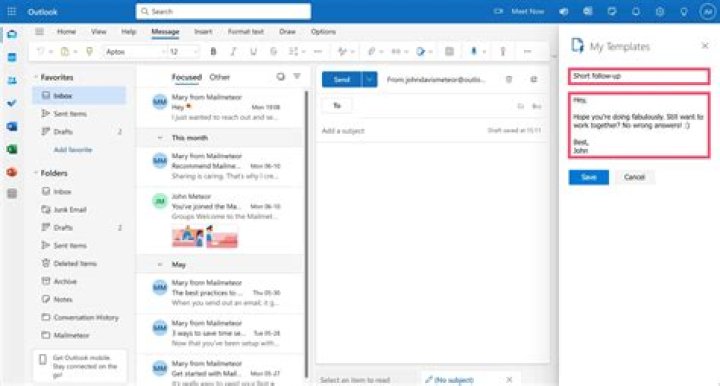
Is it possible to create variables or use any basic programming logic in an Outlook mail template? An example scenario would be creating a template for a daily report and having today's date automatically filled in (properly formatted) by a date-time variable. Keep in mind that this example scenario is just that, an example, because the type of programming I wish to do is a lot more involved than simply pulling today's date.
So, does Outlook support any programming languages (VBA?) for building mail templates?
1 Answer
Outlook does allow VBA macros to be defined and run.
To allow VBA editing and other developer tools, follow these steps according to your version of Outlook:
To show the Developer tab for Outlook 2007
- Start Outlook.
- On the menu bar, choose Tools, Options.
- In the Options dialog box, choose the Other tab, and then choose Advanced Options.
- In the Advanced Options dialog box, select the Show Developer tab in the Ribbon check box, and then choose the OK button.
- Choose the OK button to close the Options dialog box.
To show the Developer tab for Word 2010, Excel 2010, Outlook 2010, and PowerPoint 2010
Start the Office application (Word 2010, Excel 2010, Outlook 2010, or PowerPoint 2010).
Choose the File tab, and then choose Options.
In the categories pane, choose Customize Ribbon.
In the list of main tabs, choose Developer.
- Choose the OK button to close the Options dialog box.


