Outlook 365 for Mac: missing FROM: field
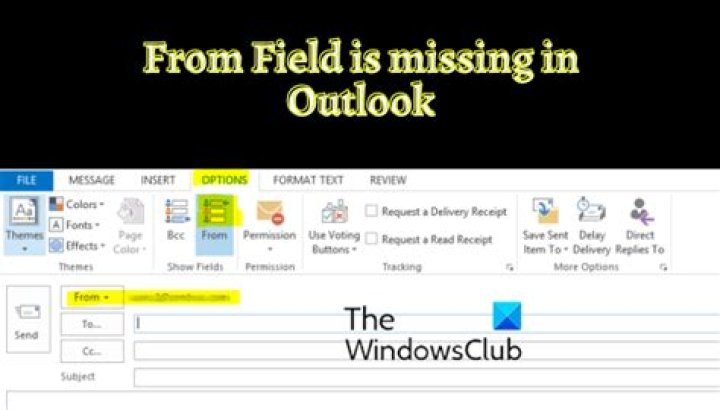
Recently we switched to Microsoft 365 as our email service provider. Later we created some aliases to our principle email address. On Outlook Web or Outlook for Windows I can activate "From" field easily and therefore send an email using an alias as sender.
However, on Outlook for Mac OSx, for some reasons I cannot find or activate the "From" option so can send only from a principle email address. How do I active "From" option in Outlook for Mac just as I can do on Outlook for Windows in order to send using an alias?
2 Answers
As I know, the FROM field will only display if you have more than 1 account configured in the profile. And it seem that Outlook for Mac does not support sending an email using an alias as sender like Outlook for Windows so far. We could only send emails from email accounts in the current profile.
1Just add your Google or Microsoft account with the alias name and it will add it as a separate account which you can use accordingly.
I did this and it works in the Outlook for Mac Version 16.46 (21 02 2021)


