Open RAW image files in GIMP
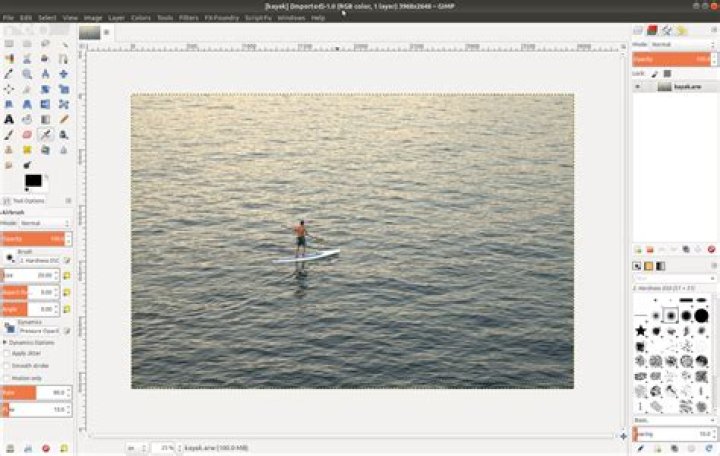
Is there any plugin for GIMP to edit RAW photo files? I tried ufraw which is quite popular, but its GUI sucks to the degree of being unusable.
Moreover, I want to edit my files in GIMP, using GIMP tools that I am used to, not in ufraw-like plugin. Any ideas?
I am not interested in stand-alone applications like Raw Therappe. My goal is to edit RAW files in GIMP the same way as any other image file.
2 Answers
Install package gimp-dcraw. This is simple plugin that uses dcraw to decode RAW files and pass them to GIMP. All editing like colors, tone curves, stamps etc. are done with GIMP built-in editing tools, plugin only asks for optional decoding parameters.
Darktable can also edit raw images and it has much better color accuracy than GIMP with the gimp-dcraw plug-in. Darktable can import a variety of standard, raw and high dynamic range image formats (e.g. JPEG, CR2, NEF, HDR, PFM, RAF … ). I've also tried opening raw images in Krita image editor and the colors in Krita aren't true to the original image either. Darktable beats all the other image editors that I tested for color accuracy hands down.
To install the Darktable in all currently supported versions of Ubuntu open the terminal and type:
sudo apt install darktable
Original image
Colors aren't accurate in GIMP + gimp-dcraw
Darktable


