On Kubuntu, how do I install my Samsung ML-1640 printer?
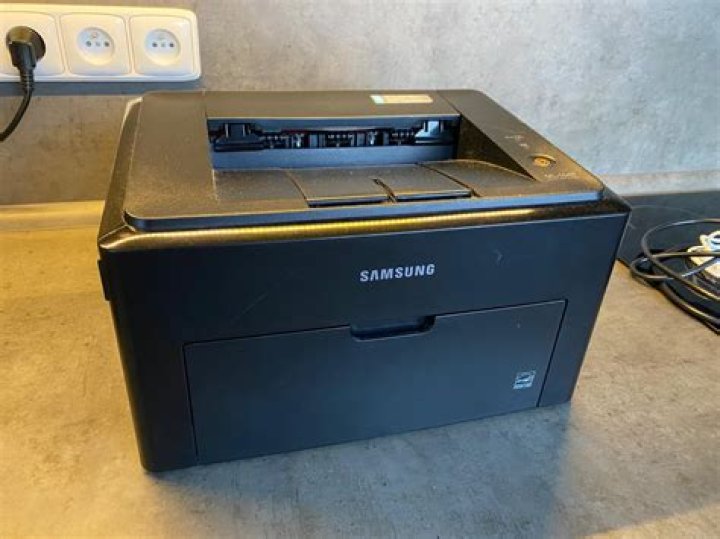
I installed Kubuntu on my laptop and now I want to install my printer drivers. I tried from System Configuration and by selected printers. Then, my laptop detected my printer, but when I searched for the driver, there was not driver for my printer (ML-1640) in the list.
Can you help me to install the packages? I begin with Kubuntu, by the way.
Thank you very much,
Pierre-Olivier
33 Answers
Get you driver from here from the Manual Download section click on SEE MORE and pick Linux, then follow these steps to install:
untar the file:
tar -xvf uld_v1.00.36_00.91.tar.gzChange into the decompressed (uld) folder and run the
install.shscript:sudo ./install.shWhen presented with a license agreement press Space bar to scroll a page at a time then accept with a y at the end of it. Follow the prompt to install it.
I just found that the splix package includes drivers for ML 1640. Worked like a breeze on my Raspberry Pi Debian. It should work well on Kubuntu as well.
run
sudo apt-get install splixFor older samsung printers (like ml-16**) on newer ubuntu versions (like 20 or 21) you can use sudo apt install printer-driver-splix


