Not able to change backlight pattern on HyperX Alloy FPS Pro on Mac
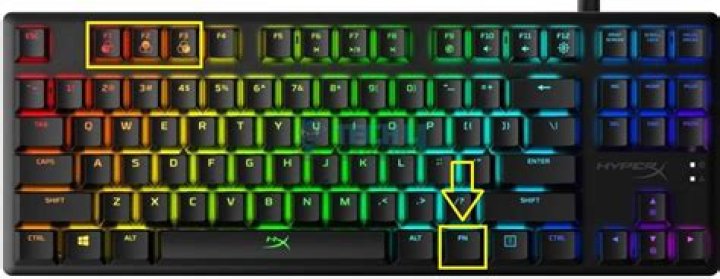
I'm using HyperX Alloy FPS Pro Tenkeyless keyboard and I'm not able to change the backlit pattern on it. I'm using this on Mac OS(Catalina).
Shortcut I'm using: Fn + Right Arrow Key.
I even tried to do a factory reset with Fn + ESC but even that did not work.
Any work arounds/ pointers for this?
1 Answer
HyperX don't make Mac-compatible keyboards. There are no drivers, so there is no keyboard-specific functionality.
I can't find official documentation for this, they simply don'e mention it on their site, but I found this post on Reddit, presumably from one of their support staff -
excerpt…
all the products in our line-up are only fully compatible with Windows-based systems, and some with certain consoles as well. The keyboard doesn't have native Mac support out of the box, nor do we have any firmware updates developed which would make it Mac compatible.


