NFS Service not enabed`
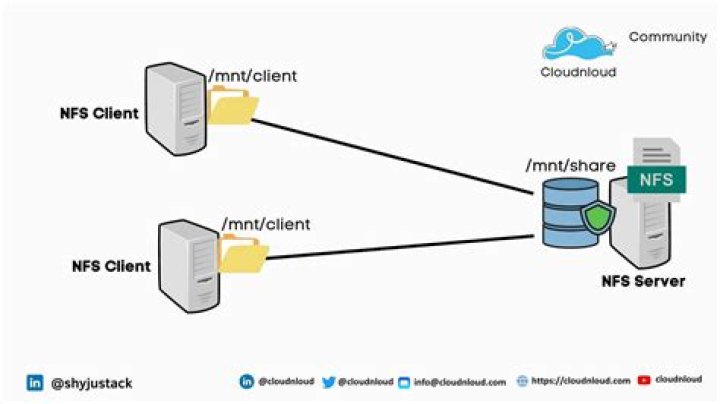
I am trying to run the NFS service on ubuntu 16.04, but when i run command:
Sudo service nfsd statusI get following message:
millionlights@millionlights-desktop:~$ sudo service nfsd status
[sudo] password for millionlights:
● nfsd.service
Loaded: not-found (Reason: No such file or directory) Active: inactive (dead)
I ran commands below to to install nfs server and client but in vain.
sudo apt-get install nfs-kernel-serverPlease tell me how can i make nfs client run?
1 Answer
The name of the systemd service is not nfsd (that's the name of the daemon process):
$ systemctl list-unit-files nfs*
UNIT FILE STATE
nfs-blkmap.service static
nfs-config.service static
nfs-idmapd.service static
nfs-kernel-server.service enabled
nfs-mountd.service static
nfs-server.service enabled
nfs-utils.service static
nfs-blkmap.target disabled
nfs-client.target enabled
9 unit files listed.
So the command to show the server status is
systemctl status nfs-serveror
systemctl status nfs-kernel-server

