My router shows two IP addresses for my son's lap top
My home Asus router shows two IP addresses for my son's hp laptop. this seems awfully fishy to me here ??? i don't want to ask him yet..want to find out on my own what is going on here. i have his laptop browsing monitored via Microsoft Family (MF). do you think this 2nd ip is used to bypass MF?? He should not have two IPs. please help me investigate this-in laymen terms please so that i can understand.
is someone else(friend) logged into his computer with the second ip???
added additonal info morning of Oct 31 2016: thank you for the reply it definetaly helps in process of elimination. The laptop is not network hard wired and according to the Router, they both show as Active connections and both are 'wireless' and both are 192.168... also the one connection is 'Intel' and other is Liteon Technology' also the second connection is Active all the time.
21 Answer
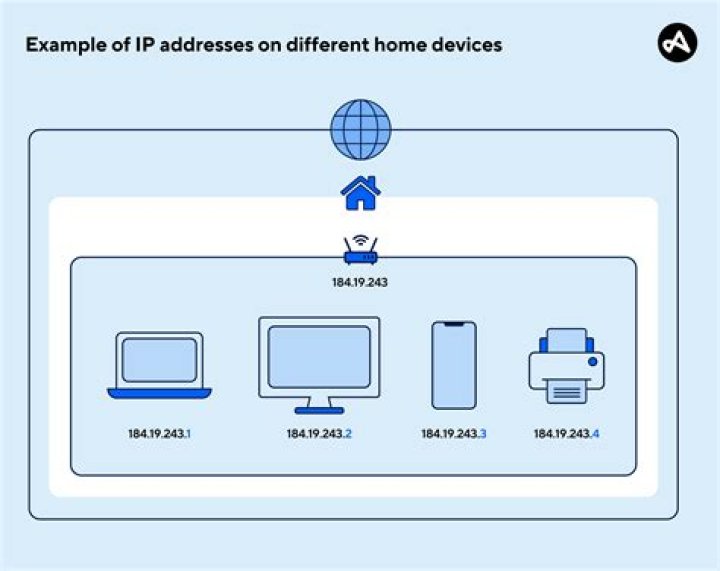
I expect that the laptop has a network cable plugged into it, and also has WIFI enabled. In this case, each interface will be assigned a seperate IP address, and this is normal behaviour (because IP addresses are normally associated with MAC addresses, and the network card and WIFI card have different MAC addresses). In the case 2 IP addresses are active in this way, its normal for the traffic to go through the ethernet address in preference to the WIFI one.
It is also possible that a single interface has both IPV4 and IPV6 addresses assigned to it - 2 addresses, 1 interface, and again, quite normal if you have IPV6. IPV6 addresses look very different to IPV4 addresses, so if the IP address is not in the form XXX.XXX.XXX.XXX (with each XXX being a number between 0 and 255) then its an IPV6 address.
If either of the above scenarios are true, there is nothing to worry about, its normal behaviour.
1

