mstsc prevents standby windows 11
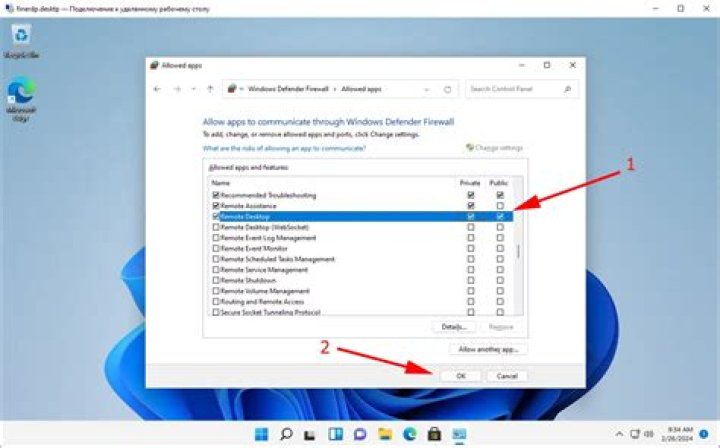
My Windows 11 has recently developed a sleeping disorder. This is the result of powercfg -requests:
[PROCESS] \Device\HarddiskVolume3\Windows\System32\mstsc.exe
RAIL Power Request
[PROCESS] \Device\HarddiskVolume3\Windows\System32\mstsc.exe
RAIL Power Request
SYSTEM:
[PROCESS] \Device\HarddiskVolume3\Windows\System32\mstsc.exe
RAIL Power Request
[PROCESS] \Device\HarddiskVolume3\Windows\System32\mstsc.exe
RAIL Power Request
There are three running mstsc processes in task manager after boot. They do not show any CPU usage.
I'm using Windows 11 Pro 21H2 22000.613 fully patched.
There is no outbound remote desktop connection currently, and I sure hope there are no inbound connections to my PC (hopefully not as the mtsc processes show no cpu usage).
Reset to default

