Months Between Two Dates
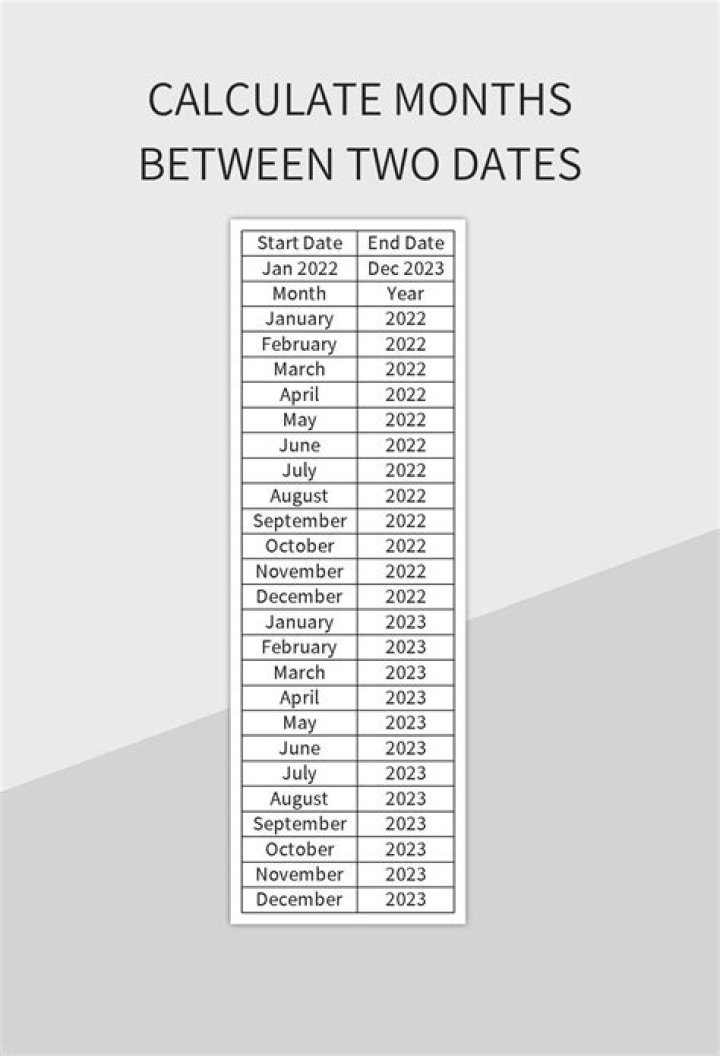
Is there a formula you can use to calculate all months between two dates. Say the begin date is April 29th and end date is September 1st. Datedif first converts to days and then to months, so it would calculate that there are 125 days or 4.16 months (auto-rounded down to 4). I'm looking for something which counts April, May June, July, August, and September (i.e 6). Is there a formula for this?
Thanks
04 Answers
Here is a single cell formula considering also possible year differences:
=(YEAR(B2)-YEAR(A2))*12+MONTH(B2)-MONTH(A2)+1
Try this formula:
=DATEDIF(A2,B2,"M")I would like to suggest two possible methods:
Formula for method 1 in cell B75, list of months includes Start Month:
=IF(DATE(YEAR($A$75),MONTH($A$75)+ROW(1:1)-1,1)<$A$76,DATE(YEAR($A$75),MONTH($A$75)+ROW(1:1)-1,1),"")
- Formula for method 2:
Option 1: If start month is included.
- Formula in cell D75:
=EDATE(A75,0) - Formula in cell D76:
=IFERROR(IF(EDATE(D75,1)>$A$76,"",EDATE(D75,1)),"")
Option 2: If start month is excluded.
- Formula in cell E75:
=EDATE(A75,1) - Formula in cell E76:
=IFERROR(IF(EDATE(E75,1)>=$A$76,"",EDATE(D75,1)),"")
::Edited::
You may skip Method 2, and write this formula in cell C75 to get months, excludes Start Month.
=IF(DATE(YEAR($A$76),MONTH($A$76)+ROW(1:1)-0,1)<$A$77,DATE(YEAR($A$76),MONTH($A$76)+ROW(1:1)-0,1),"")- Adjust cell references in the formula as needed.
2You are looking for the month() function:
= MONTH("5/4/21") - MONTH("1/3/21") would yield 4.
You can of course replace the literal inside month() with a cell such as:
= MONTH(A1) - MONTH(A2)


