Module installed via "pip install modulename" results in "modulename: command not found"
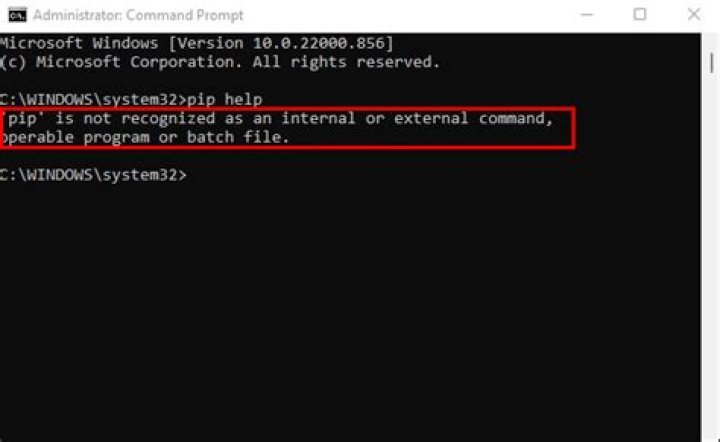
I'm running ubuntu cosmic and have tried searching for a solution, but all solutions are regarding pip: command not found
pip seems to work fine (freshly installed via sudo apt-get install python-pip). After this I ran pip install modulename which also worked fine, but once I try running the module, I receive a command not found.
I did check echo $PATH which does not contain the directory the modules are installed to (~/.local/lib/python2.7/site-packages), but I have not found a single post that seemed to have the same problem as mine, and I already learned that wildly running commands in the hope to find a solution is more likely to break things.
In case it helps, I'm trying to run keen and keenmqtt.
I hope somebody is able to help :) Thanks!
11 Answer
solved it by adding export PATH=$PATH:$HOME/.local/bin to ~/.bashrc


