Mobile broadband is unavailable
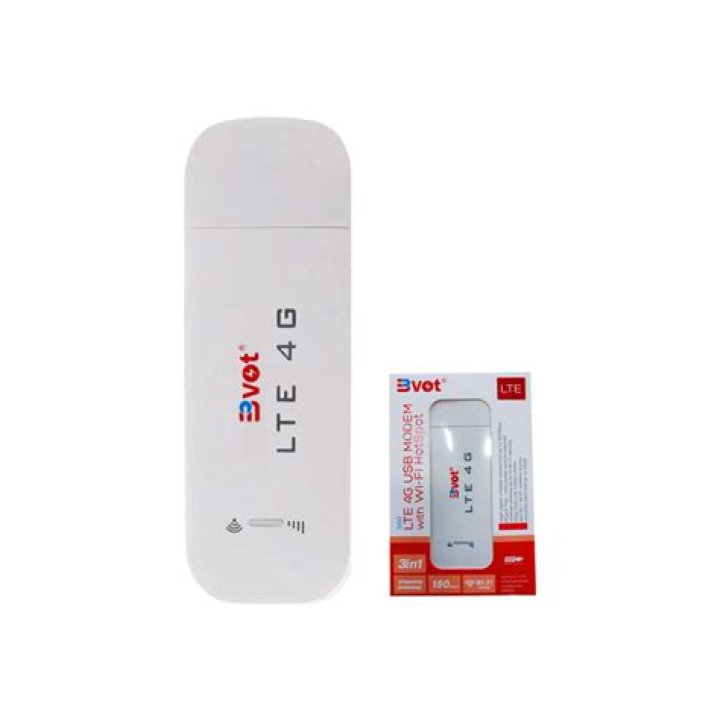
I've bought 4G LTE wireless (can work as mobile broadband too) USB dongle, it works fine on Windows and macOS.
But from Ubuntu 20.04 to 21.04 takes too much time to be detected and when detected says: "Mobile broadband unavalaible". I don't know what's the situation in Ubuntu 18.04, but I'd rather not consider install it.
Wi-Fi is still active, though I can't connect... (Even though the dongle only needs power source to work wireless)
My modem's name is Bvot LTE 4G and it supports macOS and Windows. But vendor said it'd work well on Linux too... Well, it was supposed to 'just work'.
$ usb_modeswitch -W -v 05c6 -p 6000 -K
Take all parameters from the command line * usb_modeswitch: handle USB devices with multiple modes * Version 2.6.1 (C) Josua Dietze 2017 * Based on libusb1/libusbx ! PLEASE REPORT NEW CONFIGURATIONS !
DefaultVendor= 0x05c6
DefaultProduct= 0x6000
StandardEject=1
Look for default devices ... found USB ID 1d6b:0003 found USB ID 8087:0aa7 found USB ID 05c8:0233 found USB ID 05e3:0608 found USB ID 0bda:0177 found USB ID 05c6:f000 vendor ID matched found USB ID 045e:07fd found USB ID 1d6b:0002 No devices in default mode found. Nothing to do. Bye!
Based on lsusb the manufacture device real name is Qualcomm, Inc. Siemens SG75. I think all additional information about the model can be found here. Every description there works on me too...
Please, help...
141 Answer
The modem will create /dev/sr1. Run "eject /dev/sr1". If modem reboot, remove ModemManager app. ModemManager sends "At+CFUN=2" command. This command crashes the modem. Without ModemManager, use wvdial to make a ppp conection.


