Missing mfc140u.dll error when trying to run GOG Galaxy using PlayOnLinux
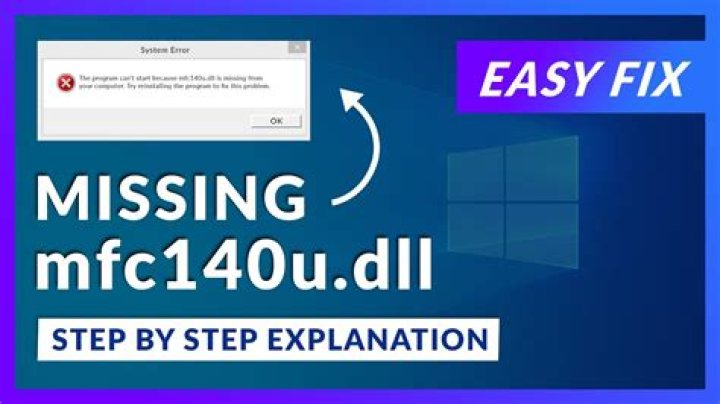
err:module:import_dll Library mfc140u.dll (which is needed by L"C:\Program Files (x86)\GOG Galaxy\GalaxyClient.exe") not found
err:module:LdrInitializeThunk Main exe initialization for L"C:\Program Files (x86)\GOG Galaxy\GalaxyClient.exe" failed, status c0000135
I have ran vcrun2015 using winetricks and I still get that error, and that seems to be the only fix I could find online. Any help would be very very appreciated, I've been trying to solve this for 12 hours :'(. Please keep it noob friendly as I have just started using Ubuntu.
Thanks,
11 Answer
Consider adding it to your lutris cloud library and then running it.


