MIME decoder for Windows
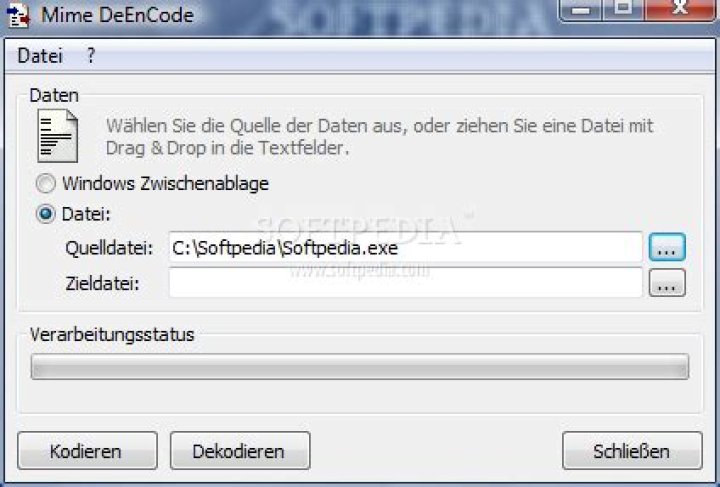
Is there a (preferably command-line) MIME decoder available for Windows (like ripMIME for *nix)?
Someone sent me a MIME encoded message (this one with multiple MIME parts) that Google mail nor Outlook can decode.
PS: I don't mean a base64 decoder like MimeDeEnCode by Werner Rumpeltesz (unlike the name it only decodes single base64 files, not single or multi-part MIME messages having MIME headers)
There are plenty other commandline base64 encoders I could use for that (and split the MIME file by hand into multiple base64 files first).
A good command-line base64 decoder is base64 by John Walker.
15 Answers
Ignacio Vazquez-Abrams got me in the right direction.
Searching for winzip+mime, I found their knowledge base article, which had a link to UUDeview by Frank Pilhofer.
UUDeview is a tool for decoding all sorts of encoding, including MIME (and multi-part MIME too).
Even better: UUDeview 0.5.20 for Windows (Console) contains command-line Win32 executables for decoding and encoding.
This is the command I executed to extract all attachments from the MIME file:
uudeview -i inputfile.mime
I have had success using munpack on Linux systems. This will go through an email message saved as a text file and extract embedded images into separate files that can then be renamed as desired.
I seem to recall that WinZip of all things can read and extract parts from a multipart message saved on disk.
1UUDeview didn't work for me, as there is no apparent support of the unicode .msg files my Outlook generates.
I did manage to find MsgText from the Enter AG guys, and it works almost exactly like ripMIME's defaults!
After alot of trial and error I just managed to reconstruct the pdf that was mailed to me by our Ricoh Copier/scanner, split into 5 multipart mime encode emails (part 1/5 > part5/5).
Here's what I did:
- saved all the messages as seperate .eml files (I did this in mozilla thunderbird)
- loaded these .eml files in UUDeview and decoded them into a txt file
- used munpack to get the original attachment from the txt file. (in a dos prompt: "munpack.exe 001.txt")
Maybe this will help someone else too


