mbr2gpt Failed to retrieve geometry for disk -1 error
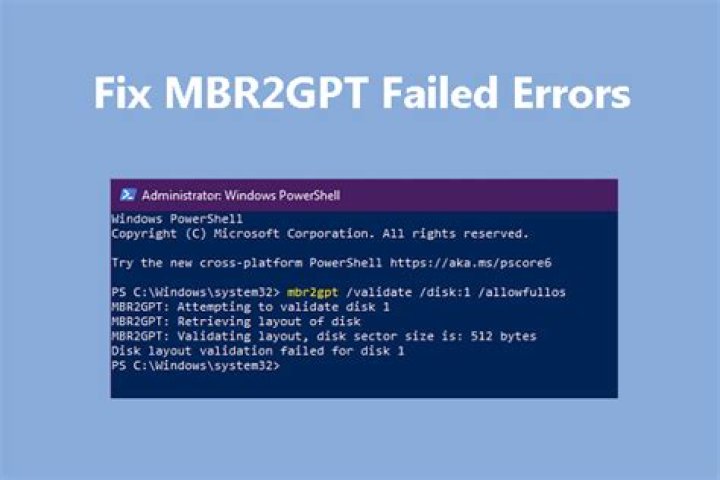
I wanted to convert MBR disk to GPT in order to install Windows 11 on one of the partitions. When using mbr2gpt /convert command in PowerShell as administrator following message appears:
MBR2GPT: Attempting to convert disk -1
MBR2GPT: Retrieving layout of disk
Failed to retrieve geometry for disk -1
MBR2GPT: Conversion failed
The same error occurs when using Windows PE mode.
When installing Windows 11 from bootable USB i get message saying: "Windows cannot be installed on this disk. The selected disk has an MBR partition table. On EFI systems, Windows can only be installed on GPT disks" no matter which partition i choose.
Here are some further information, settings, command results and pictures that might help resolve the problem:
My PC had NO factory installed OS. I have installed Windows 10 Pro myself. Currently running Version 1909 Build 18363.1379 having trouble upgrading to version 20H2.
I have BitLocker disabled
My settings are:
Boot Mode : UEFI
Secure Boot: Enabled
Fast Boot: Disabled
partition list generated using diskpart command :
DISKPART> list disk Disk ### Status Size Free Dyn Gpt -------- ------------- ------- ------- --- --- Disk 0 Online 476 GB 219 GB Disk 1 Online 7680 MB 0 B
DISKPART> sel disk 0
Disk 0 is now the selected disk.
DISKPART> list part Partition ### Type Size Offset ------------- ---------------- ------- ------- Partition 1 Primary 1040 MB 1024 KB Partition 2 Primary 256 GB 1041 MB
Disk1 is USB flash drive (later removed)
Get-Disk command result:
PS C:\Windows\system32> Get-Disk
Number Friendly Name Serial Number HealthStatus OperationalStatus Total Size Partition Style
------ ------------- ------------- ------------ ----------------- ---------- ----------
0 Micron_220... 0000_0000_0000_0001_00A0_7519... Healthy Online 476.94 GB MBR
How can i make this command work or is there any other way to convert disk to GPT without loosing data from other partitions on disk?
8 Reset to default

