Makefile: python: command not found
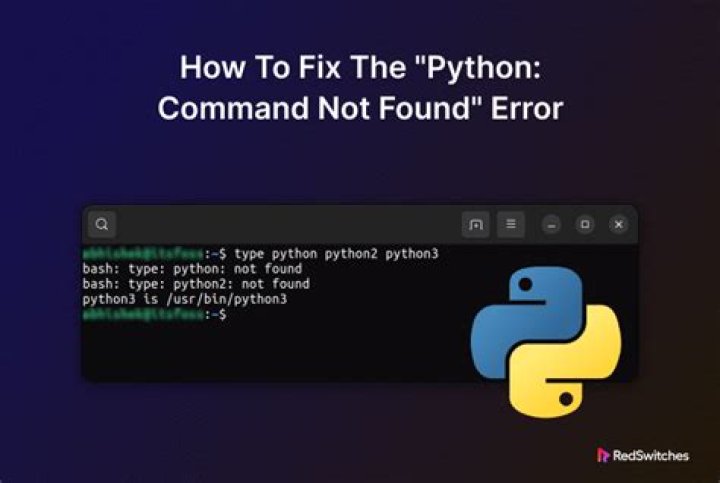
I have a Makefile that contains these two lines
run: sim @python run.py $(INPUT)When I tried to run make run, I got the error message saying python is not found. I soon realized that was because I had only python3, so I added the line
alias python=python3to the file ~/.bashrc and ~/.profile separately. That is, I tried to fix the problem twice by adding this alias to two different files. However, even after I sourced the file and could run python in the terminal, make run still gave the same error.
However, the problem is fixed after I install a package by running apt install python-is-python3. Although I don't have this problem anymore, I do not know how it was fixed. Isn't python-is-python3 just creating a symlink from /usr/bin/python to python3? Is it any different from the alias approach I tried?
1 Answer
Isn't python-is-python3 just creating a symlink from /usr/bin/python to python3?
Yes it is.
Is it any different from the alias approach I tried?
Yes it is - bash aliases are only expanded in an interactive bash shell. The shell used by make is /bin/sh by default, and is not interactive. Symbolic links are handled at the filesystem level and are hence independent of the shell.
For further discussion about shells and Makefiles, see How can I use Bash syntax in Makefile targets?
2

