Lubuntu Task Manager always shows CPU usage at 100% even at idle
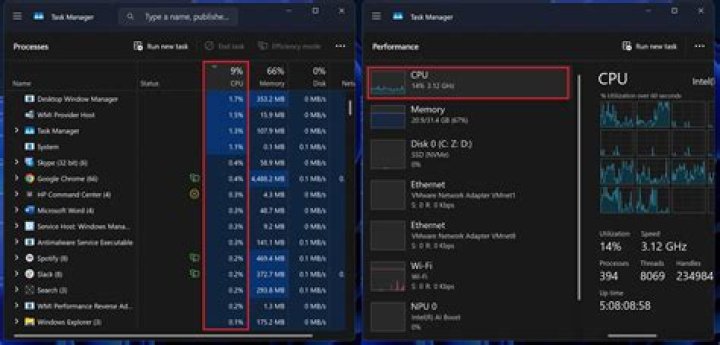
Is there a way to find out what application is causing the high CPU? Top shows nothing eating up the CPU. Even at idle my CPU is at 100%. Never changes. Never goes down. Always at 100% no matter what.
%Cpu(s): 35.2 us, 64.8 sy These two figures always add up to 100% no matter what. If one goes down in value the other immediately goes up to equal 100%. Always.
Is this harmful to the CPU? Is there a fix?
Lubuntu 13.10 768MB RAM P4 Dell
1 Answer
There are better ways of measuring your CPU load. Take a look at:
Generally, I use the uptime command to see if the computer is overloaded. For example:
jmhal@pluto:~$ uptime 08:32:27 up 8 min, 1 user, load average: 0.75, 0.67, 0.39
If the three numbers of you load average are bellow your number of cores, then your system is running fine.
2

