“ls” found a file, “cp” cannot find it (cannot stat)
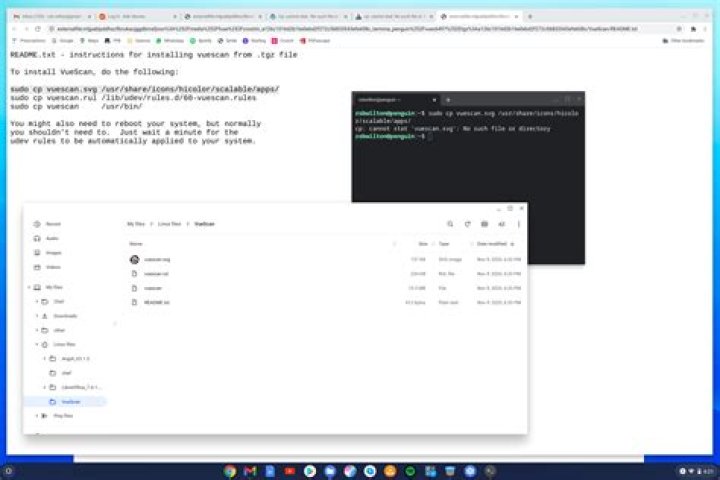
I have a file called guess.cpp.
I confirmed its existence with ls, but when I try to copy it,
I get a “No such file or directory” error message:
~$ ls ~cs252/Assignments/guess
guess.cpp yesno.cpp yesno.h
~$ cp guess.cpp ~/UnixCourse/compileAsst/
cp: cannot stat 'guess.cpp': No such file or directory
What is going wrong? How do I fix this?
1 Answer
The computer is not a person; you’re not having a conversation.
OK; you’ve got a guess.cpp file
in your ~cs252/Assignments/guess directory.
You might have many guess.cpp files scattered throughout your system.
Which one do you want to copy?
The computer doesn’t “remember” that it just found the guess.cpp file
in your ~cs252/Assignments/guess directory.
You need to do either
$ cp ~cs252/Assignments/guess/guess.cpp ~/UnixCourse/compileAsst/or
$ cd ~cs252/Assignments/guess
$ cp guess.cpp ~/UnixCourse/compileAsst/

