Logitech H600 mic not working, Ubuntu 15.04
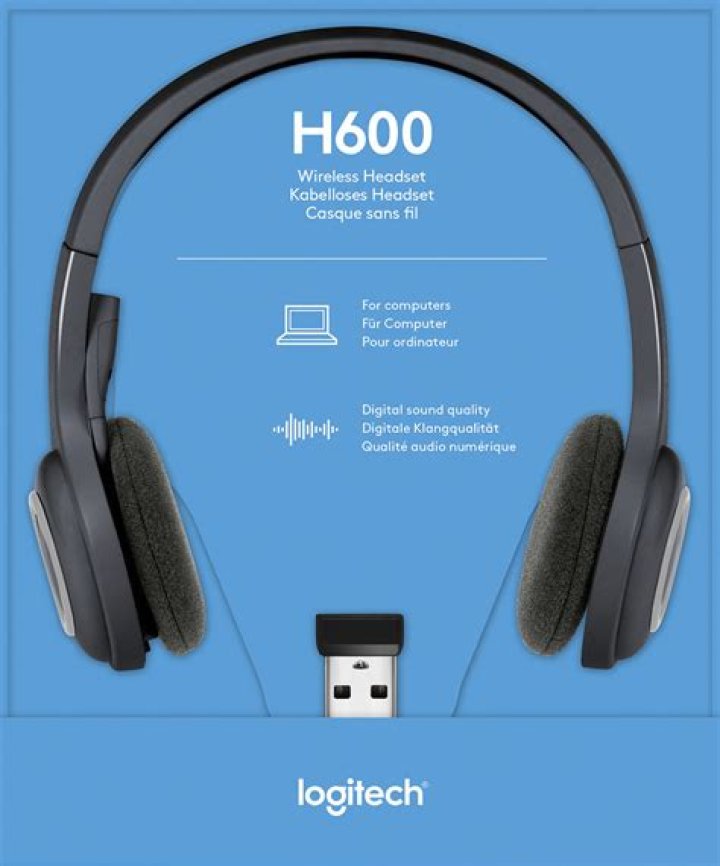
I just got the H600. The audio output works fine, however I can't get the mic to work. When I check the sound settings, "Microphone H600[Wireless Headset]" is listed as the source. The input level shows no activity. I've tried muting/unmuting with the button on the mic. (Which beep indicates mute is on, the rising beep or falling beep?)
Also, when in Audacity which input source should I pick? There are so many choices. None seem to work.
1 Answer
Try the solution posted here on Reddit. Worked for me.
Open terminal and enter
sudo -H gedit /etc/modprobe.d/alsa-base.conf, hit Enter. It will open a filealsa-base.conf. scroll to the end of the file and add thisoptions snd-hda-intel position_fix=1"as a new line, save the file and reboot. Enjoy this!
More details:


