linux: No address associated with hostname
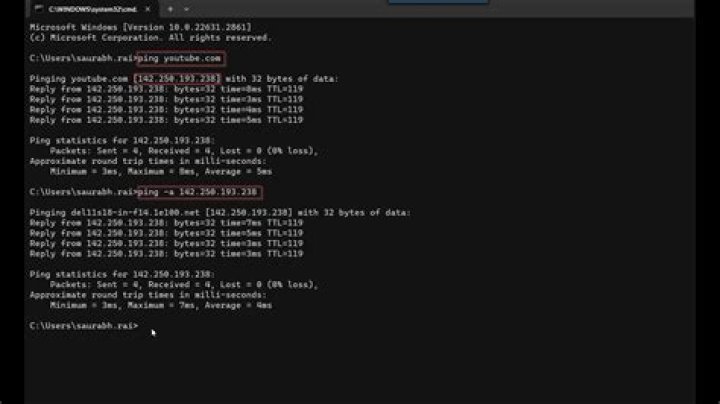
Starting this morning, nothing resolved on any connection on any DNS, but nslookup is fine. There seems to be a disconnect between /etc/resolv.conf and all the tools that would use it. I can only access the internet using tor.
nslookup google.com ; ping -c 4 google.com
Server: 8.8.8.8
Address: 8.8.8.8#53
Non-authoritative answer:
Name: google.com
Address: 72.195.166.25
Name: google.com
Address: 72.195.166.23
Name: google.com
Address: 72.195.166.20
Name: google.com
Address: 72.195.166.26
Name: google.com
Address: 72.195.166.27
Name: google.com
Address: 72.195.166.22
Name: google.com
Address: 72.195.166.24
Name: google.com
Address: 72.195.166.21
Name: google.com
Address: 2607:f8b0:4007:801::200e
ping: google.com: No address associated with hostname
Also interesting is that when I try to connect directly with an ip address, with links for example, it acknowledges that google owns the connection, and then refuses to connect. The error appears Error loading Host not found
I tried the solution from ping can't resolve hostname, but nslookup can but that didn't work, even though I'd recently configured avahi.
Here's my resolv.conf
# Generated by resolvconf nameserver 172.27.0.1 nameserver 209.222.18.222 nameserver 127.0.0.1My other computer on the same switch is fine.
EDIT1
# Generated by resolvconf
nameserver 8.8.8.8
nameserver 208.67.222.222
nameserver 185.121.177.177
made a new resolv.conf above, same problem
EDIT2
nss-mdns was blocking it the whole time. Closing.
41 Answer
Check if nss-mdns packaged with avahi is having problems reaching the exterior network. Check your /etc/nsswitch.conf for errors.


