Lenovo T14 Gen 1 No Mic and Sound
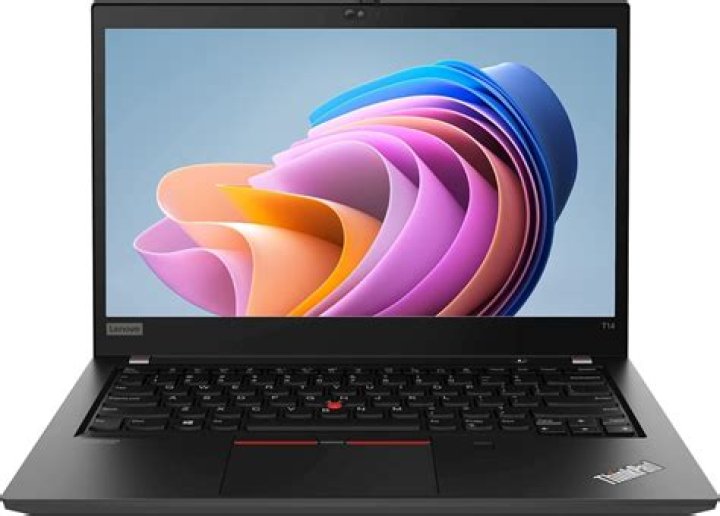
I have the Intel version and I'm using Kernel 5.4.0-58-generic with 20.04.
Those are my recent logs:
11:16:42 gdm-session-wor: gkr-pam: unable to locate daemon control file
11:16:33 kernel: iwlwifi 0000:00:14.3: BIOS contains WGDS but no WRDS
11:16:31 kernel: ACPI Error: Aborting method \_SB.HIDD._DSM due to previous error (AE_AML_OPERAND_TYPE) (20190816/psparse-529)
This is my pulseaudio version 13.99.1 and the -D output:
E: [pulseaudio] main.c: Daemon startup failed.2 Answers
After much digging I found out Alsa does recognized my mic and Pulseaudio does not, not sure why.
But I combined several steps that solved the issue for me:
I removed Pulseaudio:
sudo apt-get purge pulseaudio
sudo apt-get purge pavucontrol
rm -rf ~/.pulse/
Reboot (after rebooting, no input or output device were found).
Add the following to /etc/modprobe.d/blacklist.conf
blacklist snd_hda_intel
blacklist snd_soc_skl
Add the following to /etc/pulse/default.pa (note replace the device with your own device address)
load-module module-alsa-source device=hw:0,0
Reinstall Pulseaudio:
sudo apt-get install pulseaudio
Reboot.
After finale reboot all input and output devices were working including internal Mic and Audio.
- Part of the solution was taken from here.
For me the installation had no issues. I just had to select the right card (hidden) in alsamixer, unmute it and raise its volume (zero by default).
$ alsamixerPress F6
Choose the sound card (in my case, sof-hda-dsp)
Use the arrow keys to choose the master channel, raise the volume and unmute with M.


