Kubuntu -- text snippets or clipboard manager with sticky (static) items
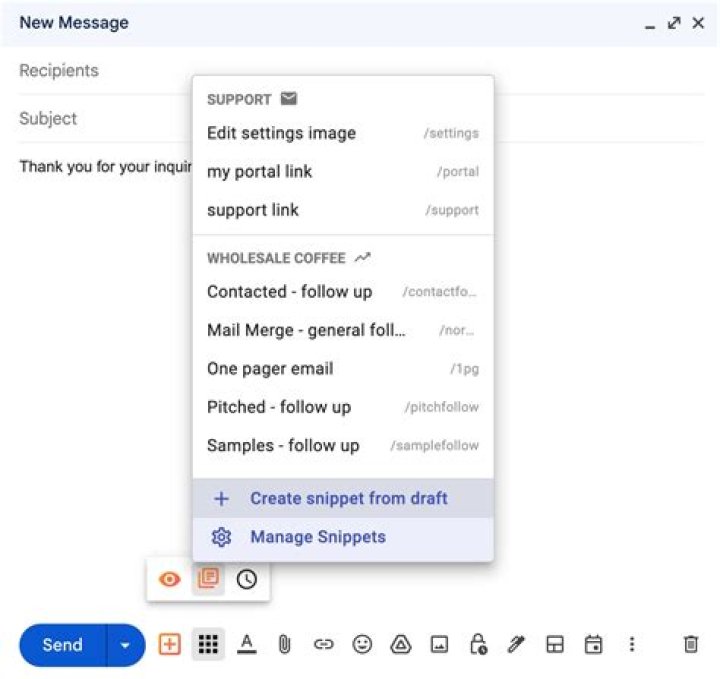
I am currently using the default clipboard manager of Kubuntu 19.10, I believe it is called Klipper.
AFAIK it does not support sticky (static) items. I installed Clipit from the Software center but it doesn't seem to run on KDE desktop.
What's a way to have a few simple text snippets readily available on Kubuntu for copy-and-paste jobs?
111 Answer
There is a clipboard manager called copyq that is in the Software Center, and it supports "pinned" items. It does the job.
Install it from the Software Center, and you are almost ready to go.
When it launches, it puts an icon in the system tray, but by default, the icon is hidden. So if you want to see it displayed:
- Right-click on system tray
- Select
Configure System Tray - Go to the
Entriestab - In the
Visibilitycolumn, selectShown
If you want it to autostart, you can configure that in the copyq Preferences.
Alternatively, the default clipboard manager can be used for basic clipboard memory, and Gnome To Do (available in Software Center) can be used for long-term storage of text snippets. Gnome To Dois not designed for that purpose, but it could be used for it.


