JSON Validator in Ubuntu 16.04
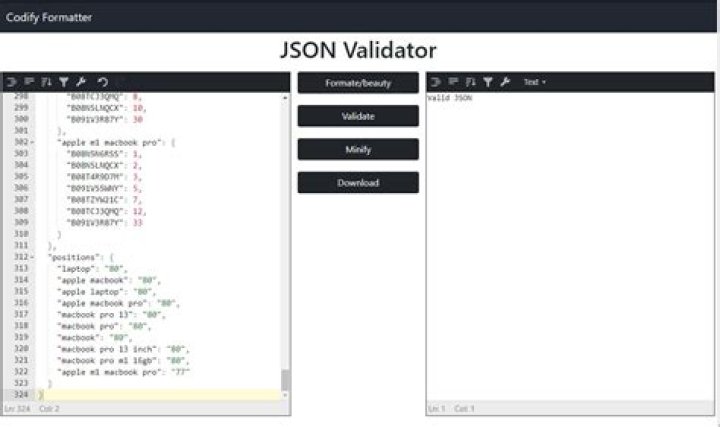
I am trying to get my hands on some JSON file validators.
I came across jq but after running jq . file.json I only got JSON formatted output, not a validation of the JSON in my file.
I want to know how I can check the syntax or validate JSON format in my file in Ubuntu. Please advise!
4 Answers
Try jsonlint:
sudo apt install jsonlintThe basic usage syntax is
jsonlint YOUR-FILE.JSONYou find its manual by typing man jsonlint or visiting its online manpage:
An excerpt:
NAME jsonlint - A JSON syntax validator and formatter tool
SYNOPSIS jsonlint [-v][-s|-S][-f|-F][-ecodec]inputfile.json...
[...]
OPTIONS The return status will be 0 if the file is legal JSON, or non-zero otherwise. Use -v to see the warning details. [...] -v, --verbose Show details of lint checking -s, --strict Be strict in what is considered legal JSON (the default) -S, --nonstrict Be loose in what is considered legal JSON -f, --format Reformat the JSON (if legal) to stdout
[...]
So you can see whether your JSON is valid by checking the return code of jsonlint. You can see it by running echo $? right afterwards (0=OK, 1=invalid), or by evaluating it using &&, || or if.
I tried jsonlint but it doesn't work.
jq . may-file.json work nice!
Hope this feedback is helpful.
3jq will spit out the error explicitly, and you can also check the exit status, which is 1 for parse errors, and obviously 0 for successes.
For example:
% jq '.' <<<'{"foo": "spam", "bar": 1}'
{ "bar": 1, "foo": "spam"
}
% echo $?
0
Now, let's replace : with = after "bar"-- making the input an invalid json:
% jq '.' <<<'{"foo": "spam", "bar"= 1}'
parse error: Invalid numeric literal at line 1, column 23
% echo $?
1You can do this using python json.tool module
echo '{"name": "dedunu", "country": "LKA"}' | python -m json.tool
If you have a file you can use it as below.
python -m json.tool file.json
But the problem with this command is that you won't get a detail about the problem in JSON file. I found the answer from this link.


