JBL Quantum 400 Headset Mic Issue
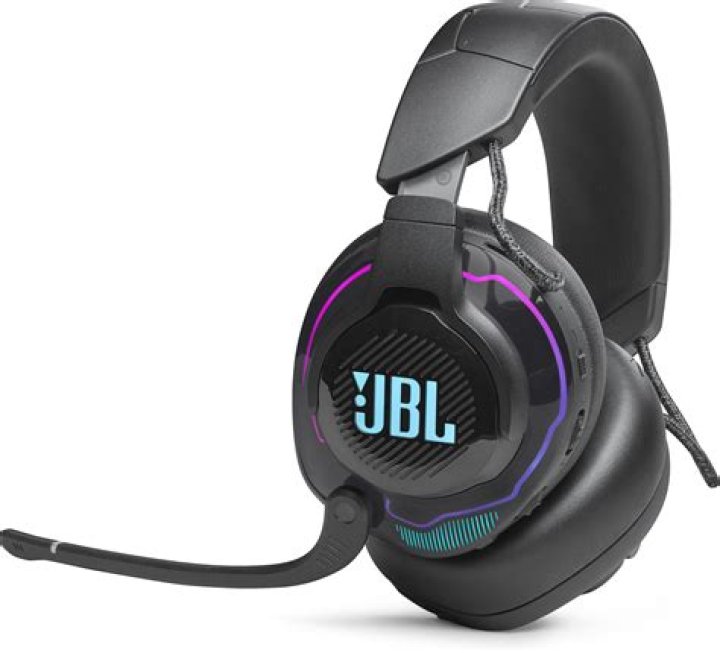
I've just bought a brand new JBL Quantum 400 Headset USB and plugged it on my Ubuntu20 machine. The issue is that the "JBL Quantum 400"'s Microphone is not showing in the Audio Settings nor the Pulse Audio. The JBL Quantum 400 is shown as a headphone, not a headset. I've tested it on a Mac machine and it works normally.
Just want to make the mic works.
Found this answer:Headset microphone not working on Ubuntu 20.04
But when I exec the command:
cat /proc/asound/card*/codec* | grep CodecIt prints only "Codec: Nvidia GPU HDMI/DP", which makes impossible to search in kernel.org for a "model" to be set in /etc/modprobe.d/alsa-base.conf
Machine configuration: Ubuntu 20.04 Motherboard: Asus Z590-A GPU: RTX3070
1 Answer
TL;DR:
Add one of the following options to your /etc/modprobe.d/alsa-base.conf, based on your JBL Quantum headset:
- Quantum 400:
options snd-usb-audio index=-2 quirk_alias=0ecb2039:095116d8 - Quantum 600:
options snd-usb-audio index=-2 quirk_alias=0ecb1f46:095116d8 - Quantum 800:
options snd-usb-audio index=-2 quirk_alias=0ecb1f47:095116d8
Reboot your machine, done!
Explanation: I've found the solution in a pulseaudio topic:
If you also have a JBL Quantum, the solution mentioned above in the pulse audio may fix the issue for you as well.


