it is possible to auto sync chrome bookmarks with brave browser?
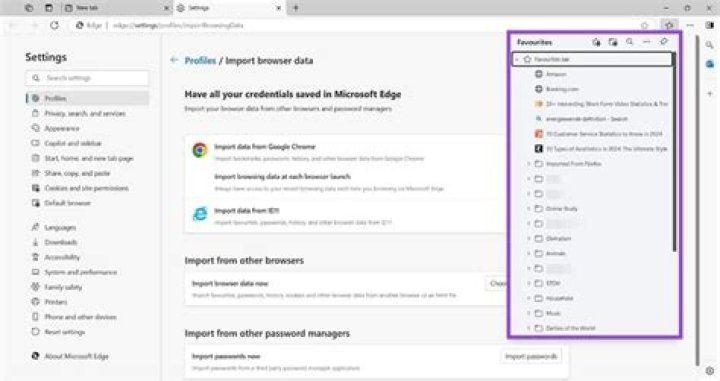
I am using two browsers on my laptop chrome and brave. when I installed brave browser I import all bookmarks from chrome and brave browser show all bookmarks from chrome.
but after that, I added many new bookmarks to chrome which is not available in brave, so I export chrome bookmarks and import them to the brave browser. so after that every time I add new bookmarks to chrome I have to export chrome bookmarks and import them to brave which seems too difficult to me.
so is there any way that we can auto-sync bookmark of chrome with a brave browser
Example:
I add any new bookmark in chrome then it will automatically add to brave or brave auto-sync all bookmarks from chrome whenever it starts or restarts
1 Answer
Yes, the easiest way is using a chromium extension built for this purpose like xBrowserSync or EverSync. Be aware that these can fight with the built-in Chrome/Brave Sync service if you're using that.
Remember to back up your bookmarks before starting!
Otherwise, I believe both Chrome and Brave store their bookmarks as JSON:
%LOCALAPPDATA%\Google\Chrome\User Data\Default\bookmarks
%LOCALAPPDATA%\BraveSoftware\Brave-Browser\User Data\Default\bookmarks
I'm not sure these can be directly copied (Can't install brave at the moment), but they are easily readable. They can be watched, converted (if needed), and copied using your favorite scripting tool.
I'll note that these only get read on startup, so "live" updates are not really possible.


