Is there any way to "Fit Layer to Canvas Size" in GIMP?
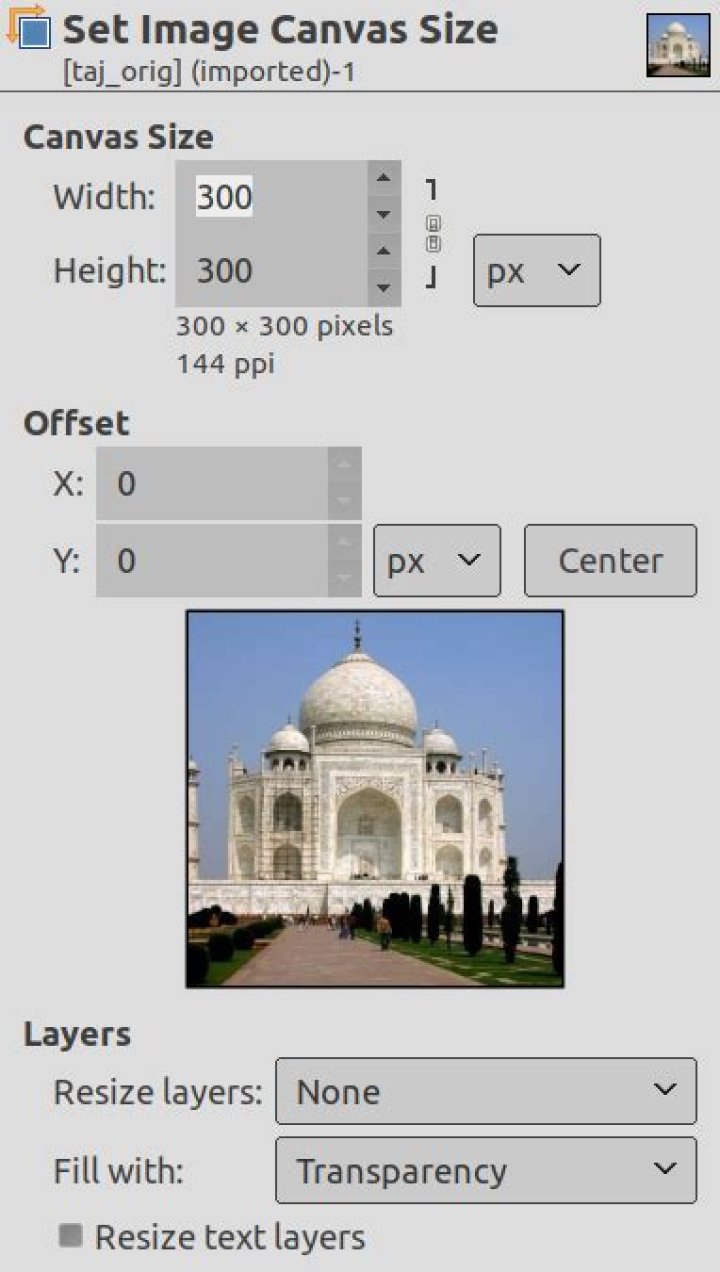
So after doing a bit of research, I am unable to find a command anywhere in Gimp 2.8.22 which will stretch my layer size to the size of my canvas, essentially the opposite of Image->Fit Canvas to Layers.
Any thoughts would be greatly apprecaited.
Thanks!
3 Answers
Essentially the opposite of Image -> Fit Canvas to Layers
Image -> Canvas, followed by
Layer -> Layer to Image Size
There are also a number of other solutions in image resizing - Resize layer to fit canvas - Gimp - Stack Overflow
1If it's done after an Image>Canvas size, remember than resizing layers is already an option of Image>Canvas size.
Otherwise, use Layer>Layer to image size (that will crop the Layer instead if the layer is larger than the canvas, or will even extend it at places and crop it elsewhere if the layer is offset from the canvas).
The above answer is incorrect - the correct way to scale an image in so that it fits accurately to the canvas size is as follows
- lets say for example your canvas is 6000k x 6000k and your image is 2048 x 2048.
- the image is therefore smaller than the canvas - to scale it so it fits neatly with the borders of your canvas
- click on your image - then select the scale scale tool.
- scale the image to the same size as the canvas.
- typically your image is now the same size as the canvas but it will not be correctly aligned.
- to align the enlarged image to the canvas select the align tool from the tools menu - Tools - transform tools - align (it says tap q as a short cut - but this does not always work)
- once one have selected the align tool - click again on you image - you will now see a range of align too option in your side menus and you can choose the centre align tool to bring your image flush to the canvas margins.