Is there a way to reinstall windows 10 store entirely?
First some background.
I have upgraded to windows 10 around the time it was released publicly. I have attempted to make use of the store back then, but every time I tried to sign in or download an application, it would crash.
I thought that I would leave it for a while to see if windows update could sort out the problem, seeing as many people had the same issue.
So Now I have tried accessing the store again, only for it to crash every time I attempt to sign in and/or download something.
I attempted a few solutions, but none worked.
I ran sfc /scannow , attempted to use wsreset.exe, and also tried in elevated privileges PowerShell:
Get-Appxpackage -Allusersfollowed by:
Add-AppxPackage -register "C:\Program Files\WindowsApps\Microsoft.WindowsStore_2015.8.25.0_x64 8wekyb3d8bbwe\AppxManifest.xml" -DisableDevelopmentModeI would really like to avoid formatting just to get the store working.
What else can I try?
Also, as a note, I disabled logging in with password using netplwiz, if that has anything to do with my issue.
I am surprised why I am not logged in as current user on the windows store. I enabled it again, but also no effect.
13 Answers
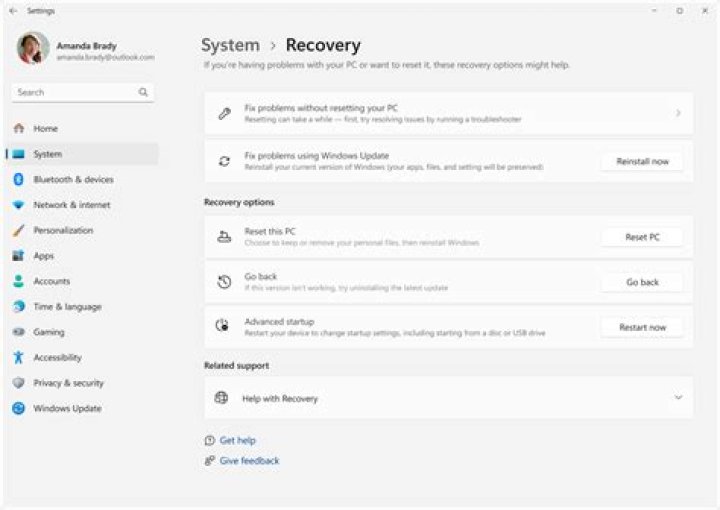
The procedure you have already tried is the only one I know for reinstalling the Windows 10 Store. As it didn't work, you might rather need to repair Windows itself, which includes also the Store.
See this article for detailed instructions with screenshots :
Repair Install Windows 10 with an In-place Upgrade
Ensure you have good backups before starting.
Try the Powershell script from Microsoft and run this command:
PS C:\Users\USERNAME\Desktop>.\reinstall-preinstalledApp.ps1 *Microsoft.WindowsStore*See solution that Cliff S suggested in TenForums - Windows 10 Help Needed - How to force reinstall Windows Store works:
If it's just not functioning well check your Time Zone settings to make sure it's set to the correct on and sync with the time server in control panel>Date & Time, also turn on your location settings for all except Mail & Calendar(and what ever else you want).
It appears to be trivial... but bugs occurs on that way too.
Another solution would be in TenForums - Store - Re-register in Windows 10 written by Shawn:
2How to Re-register the Store in Windows 10
Information
If the Store app doesn't open, hangs, or not
working correctly, then re-registering the Store
will usually fix this issue.
This tutorial will show you how to re-register
the Store for your account in Windows 10.
[...]
Here's How:
[...]
Open a command prompt, copy and paste the command below into the command prompt, and press Enter. [...]
PowerShell -ExecutionPolicy Unrestricted -Command "& {$manifest = (Get-AppxPackage Microsoft.WindowsStore).InstallLocation + '\AppxManifest.xml' ; Add-AppxPackage -DisableDevelopmentMode -Register $manifest}"[...]
- When finished, you can close the command prompt, and try opening the Store again.
That's it, Shawn


