Is there a way to get the readability stats for a Word document without going through grammar & spelling check (on a Mac)?
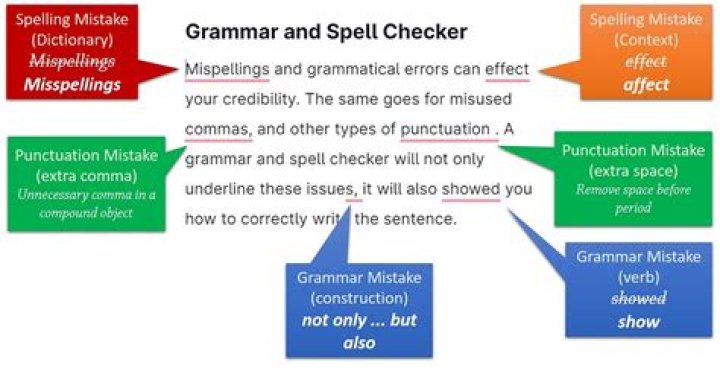
As far as I can see, the only way to get the readability statistics for a document (or a selection in a document) is to start the "Spelling & Grammar" tool, go through all the spelling and grammar issues, and then finally landing on the Readability Statistics page. Is there any way to just jump right to Readability Statistics? For a huge doc with lots of unrecognized words (in this case, lots of code and java class names) it is so tedious to get through the entire spelling and grammar process.
Note: I am using Microsoft Word for Mac 16.16.20 (200307).
1 Answer
You need a VBA macro to display these values without completing the spell check. VBA seems to be supported on MacOS.
The document should be first saved as .docm to allow macros, then useAlt+F11 to enter the VBA editor, use menu Insert > Moduleand set the contents to the following:
Sub Readability() Dim DocStats As String DocStats = "" For Each stat In ActiveDocument.Content.ReadabilityStatistics DocStats = DocStats & stat.Name & " : " & stat.Value & vbCrLf Next stat MsgBox DocStats, vbOKOnly, "Readability Statistics"
End Sub
You may use F5 in the editor to run/test the macro. In everyday use you may run the macro from theDeveloper taborAssign a macro to a ribbon buttonor doAdding a Macro to the Quick Access Toolbar. Remember to run the spell-check first, before testing the macro.
Reference: Only Showing Readability Statistics.
6

