Is it possible to disable USB port with known physical location?
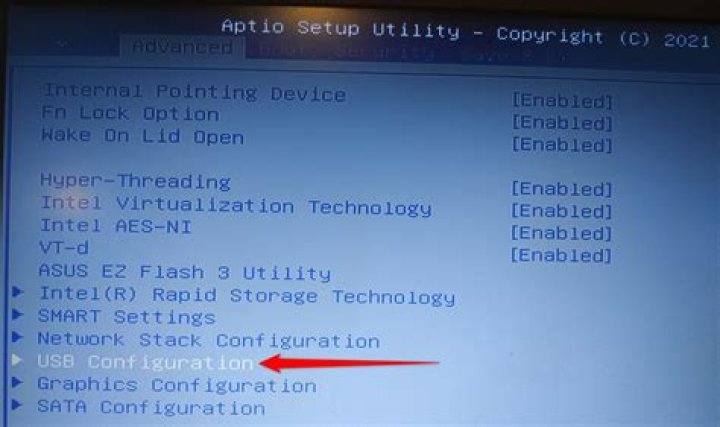
I have a laptop with faulty LCD-panel cable. This cable is routed to LCD-panel and web-cam with microphone. The LCD-panel works normally, but webcam and microphone are faulty. I do not plan to visit repair, so I hope to get software based solution. Really I do not use this webcam and have bluetooth handset for mic replacement.
Currently I know that webcam is at /sys/devices/pci0000:00/0000:00:1d.0/usb2/2-1/2-1.5.
I want do blacklist this port.
If it matters, lsusb says currently the following about this device:
Bus 002 Device 053: ID 04f2:b330 Chicony Electronics Co., Ltd Asus 720p CMOS webcamand Device 053 has an increment.
It floods syslog with messages like
- usb 2-1.5: new high-speed USB device number 29 using ehci-pci
- usb 2-1.5: device descriptor read/64, error -71
- usb 2-1.5: USB disconnect, device number 23.
Without uvcvideo driver blacklisting it floods the uvcdynctrl-udev.log file:
$ ls -alh /var/log/uvcdynctrl-udev.log
-rw-r--r-- 1 root root 8,1G Apr 17 18:20 /var/log/uvcdynctrl-udev.log
So I have already blacklisted uvcvideo kernel driver by placing blacklist uvcvideo to /etc/modprobe.d/blacklist-uvc.conf. But this single measure does not help.
How should I blacklist faulty internal USB port with connected webcam completely?
1 Answer
Yes, this can be done with just a couple of commands in the terminal:
- Disable the USB port:
echo disabled | sudo tee /sys/bus/usb/devices/usb2/power/wakeup - Remove power from the port:
echo suspend | sudo tee /sys/bus/usb/devices/usb2/power/level
In the event this doesn’t work, a udev rule may be necessary:
- Create a new file in
/lib/udev/rules.dusing a text editor of your choice. For example:sudo vi /lib/udev/rules.d/20-block-webcam.rules - Revoke authorization for the webcam to be accessed:
Looks like the output of# Chicony Webcam SUBSYSTEM=="usb", ATTRS{idVendor}=="04f2", ATTRS{idProduct}=="b330", ATTR{authorized}="0"lsusbdid matter 😉 - Reboot
From comments:
Also it then maybe fixed by echo 0 | sudo tee /sys/bus/usb/devices/2-1.5/authorized as per .
Put echo 0 > /sys/bus/usb/devices/2-1.5/authorized to /etc/rc.local.