Is it better to buy a 4TB RAID 1 hard drive, or 2 hard drives with 2TB each, and just use SyncToy (or invest more and buy a RAID 5 drive)?
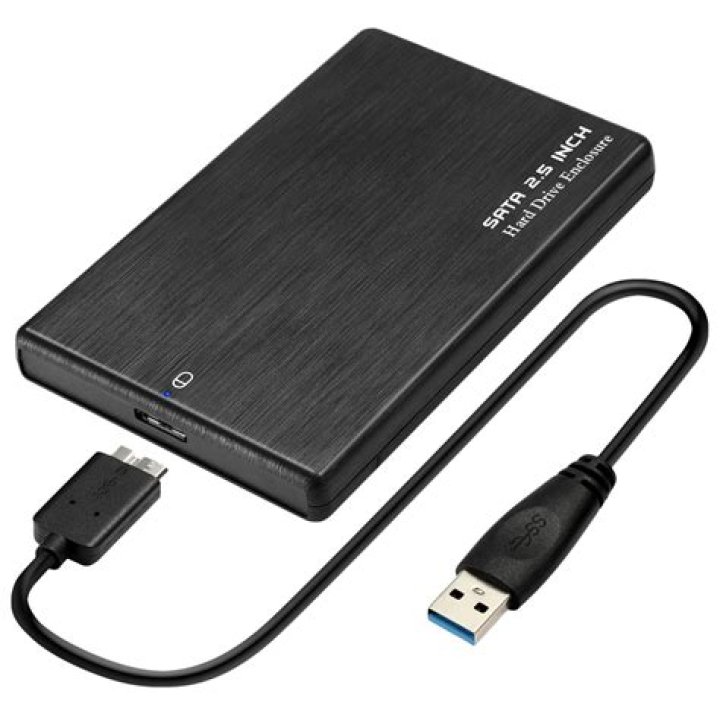
Somebody said that with a RAID 1 drive, 4TB will be 2TB of storage, but if the controller goes bad, then the whole drive will go bad -- unless WD can send you a new enclosure? (stated in )
Cost $399
So is it just better to buy 2 drives -- each one 2TB, and use SyncToy to sync them up by using mirroring? There will be two power adapters then...
Total cost: $260 plus more electricity probably
It also sounded good to buy RAID 5, which I heard, with 4 of 2TB drives, you get 6TB of capacity, not 4TB. But the WD RAID 5 drive on Amazon.com also has bad reviews
Cost: $294
2 Answers
Depends on what you want. If it is important for you that there is no downtime when one of your disks fails (and a disk fail has a much higher probability than an electronics/controller fail), use a RAID.
If it is more important that your data is safe (i. e. a backup), use separate disks and sync them manually (maybe even keep multiple generations as you can always accidentally delete important files).
A RAID is not a backup (in the rare case that the electronics fail). You will need a backup (at least if you think your data is somewhat important), but you will only need a RAID if uptime is important to you.
2I had the same dilemma a while ago (with 1TB drives), I chose to use Raid 1 for protection but I sort of regret it.
I wanted 4 drives and the price of 4 bay enclosures was expensive and I wasn't very impressed with any of the sub £200 2 bay ones, so I bought a Celeron based system and loaded Freenas on to it - which I am very impressed with.
If I had the choice again, or had the time to copy files off and change, I would personally use them as two separate drives and Rsync between the drives as it gives more flexibility for the future (e.g. upgrading becomes slightly easier).
If you have the money, the best thing (in my personal opinion) is Raid 5 + hot spare on a hot swappable array - but out of your options, I would go for two separate copies and sync them - this also gives you a minimum backup against accidental deletion and changes etc.
I have said a bit more than your question asked, hope it gives you some interesting information as I was in the same situation as you a while ago.