IOMeter has filled my drive, but there's no imbw.tst file
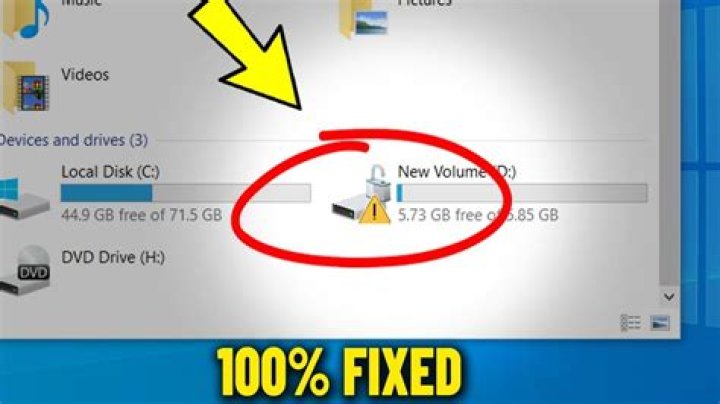
I ran IOMeter on my new Kingston SSDNow V300 drive to assess the actual disk performance, and now that the test is done I'm left with 2.6GB storage remaining. There's no iobw.tst in the root of the drive, as I've read that there would normally be to cause this, so I'm a bit concerned as to whether-or-not I'll need to reformat what is currently my OS drive.
How do I get my 80GB+ storage space back?
Edit: Open Command Prompt in Administrator mode and running del C:\imbw.tst returns the following error: Could not find C:\imbw.tst
2 Answers
It looks like IOMeter uses a different place to store the iobw.tst file. In my case on Windows 7 that is the following folder:
C:\Users\Username\AppData\Local\VirtualStoreRun the following command in a command prompt to delete the file:
del %appdata%\..\Local\VirtualStore\iobw.tstTry running this from a command prompt: del /S iobw.tst


