Installing Nvidia Nsight Eclipse edition on (K)ubuntu 20.10
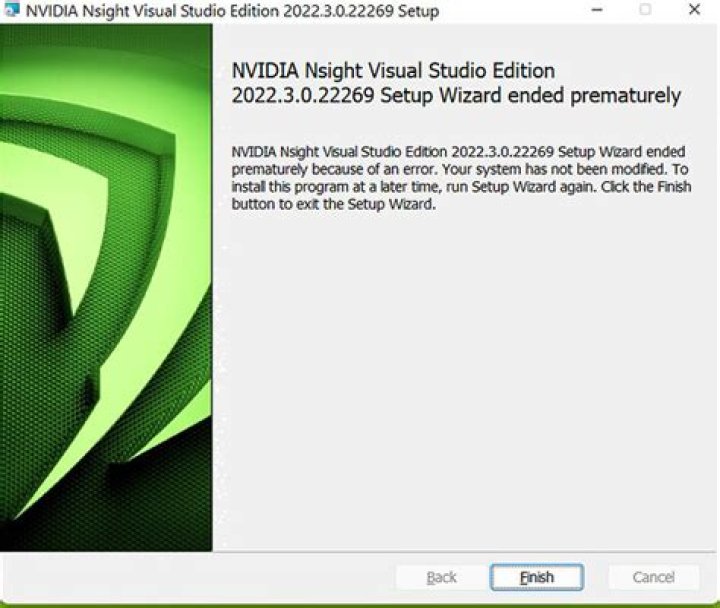
What is the recommended way to install Nvidia Nsight Eclipse edition in (K)ubuntu 20.10?
I've just updated from Kubuntu 20.04 in order to get Cuda 11 using the ubuntu packages. Previously there was an extra "nvidia-nsight" package, but now it's gone.
The official nvidia website says, that it should be included in the cuda toolkit, and that it's started on the command line via "nsight". But on my system it's not found (only nsight-sys, which is a different tool). I am able to compile stuff using nvcc and run it.
I don't want to use the official nvidia package as they use paths that are problematic in my build system (cmake + qt + pytorch from anaconda + cuda).
1 Answer
I'm not sure this is the best way, but it worked:
- download eclipse (cdt version) from eclipse.org
- download the cuda package from nvidia.com (.run version)
- the cuda runner contains an option to unpack its contents.
- in cuda_nsight there is the eclipse plugin, it can be installed in the eclipse that i downloaded earlier
I don't think the result is the same as what i had before. Debugging cuda worked, i didn't try the profiler.


