Installing Nvidia driver on Kubuntu 15.10x64: The distribution-provided pre-install script failed! Continue installation anyway?"
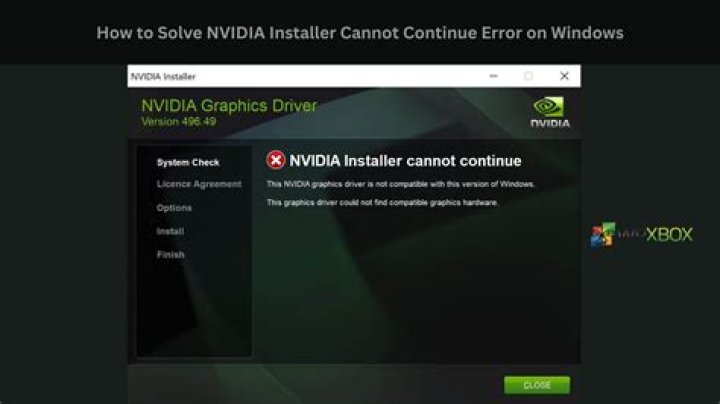
I try to install the Nvidia driver 340.93 on Kubuntu 15.10 x64 (graphic card: GTX 690). I performed the following steps:
- Go to
- Download
Latest Legacy GPU version (340.xx series): 340.93 sudo sh ./NVIDIA-Linux-x86_64-340.93.run
Then I got the error message:
The distribution-provided pre-install script failed! Continue installation anyway?"
What could cause this issue?
Continuing the installation fails (black screen, need to remove Nvidia drivers).
2 Answers
You can install your driver via the package manager :
Open a terminal (Ctrl+Alt+T) and :
Remove old
nvidiapackages :sudo apt-get purge nvidia*Install
nvidia-340driver :sudo apt-get update sudo apt-get install nvidia-340 nvidia-prime
You can install your driver via the package manager :
Open a terminal (Ctrl+Alt+T) and :
Remove old
nvidiapackages :sudo apt-get purge nvidia*Find the driver versions available in the repositories :
sudo apt-get update
apt-cache search nvidia binary
The output may look similar to :
nvidia-340 - NVIDIA binary driver - version 340.96
nvidia-340-dev - NVIDIA binary Xorg driver development files
nvidia-361 - NVIDIA binary driver - version 361.42
nvidia-361-dev - NVIDIA binary Xorg driver development files
Pick the version you want. In the above output, version 361 is the latest available. Version 340 might be more stable (or it might not). Either choice will work at this time.
Install the version you picked (
nvidia-340driver in this example) :sudo apt-get install nvidia-340
Apt will also install a number of dependencies including nvidia-prime, nvidia-settings and many more packages.
This answer is based on the accepted answer by hg8. I simply wanted to make it a little more universal / timeless.


